Neonatal Ventilator UX UI
Features study
Observation &
Interviews
Understanding
User
Framing
requirements
Ideations
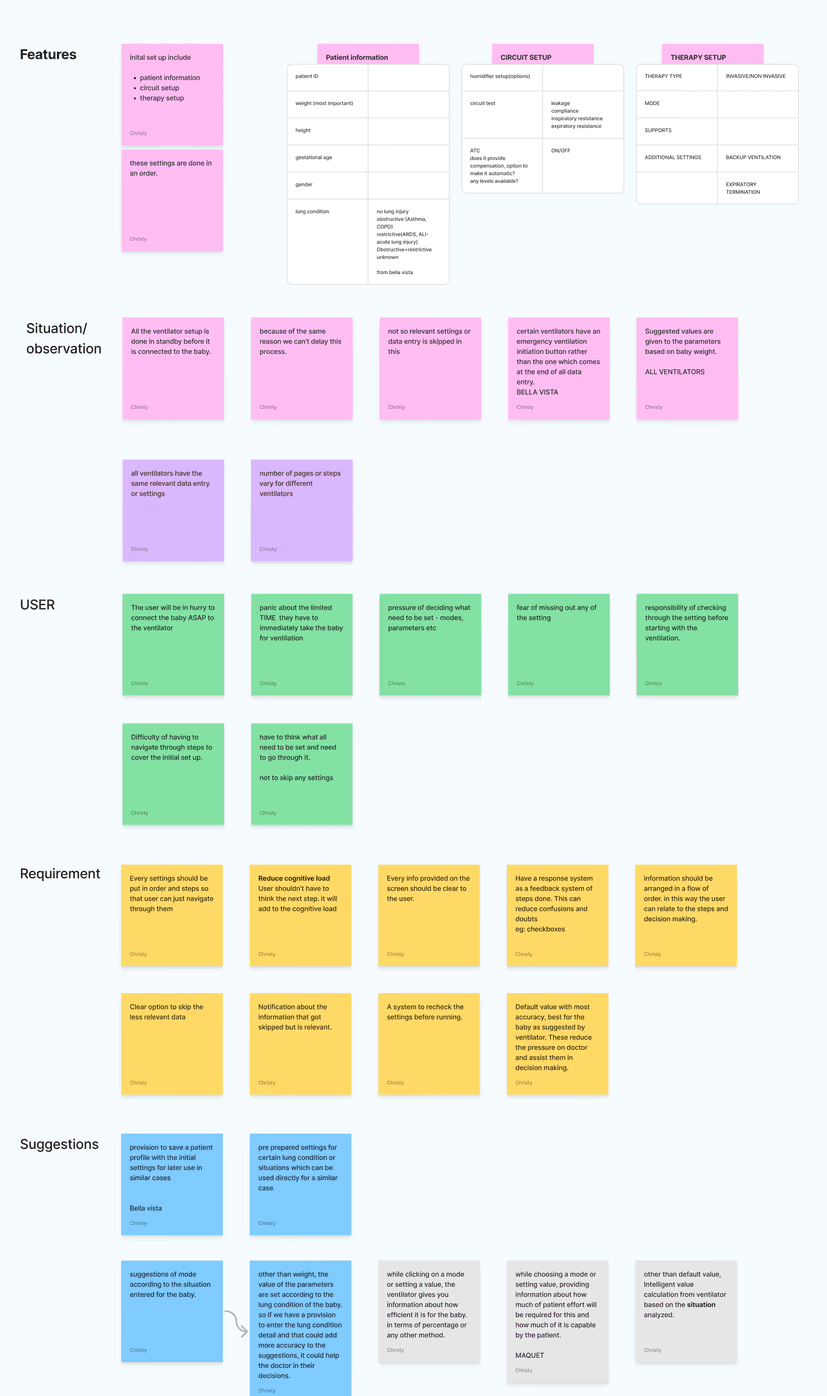
Understanding the features and
how it works.
Finding how the features are
actually used and what is the
environment at the time of use.
What is the situation of users while
they operate the feature
Framing down what are the changes
or opportunity areas according to
actual requirements and demands of
the user
Ideating based on connecting all the
above without consideration of feasibility
Discussions
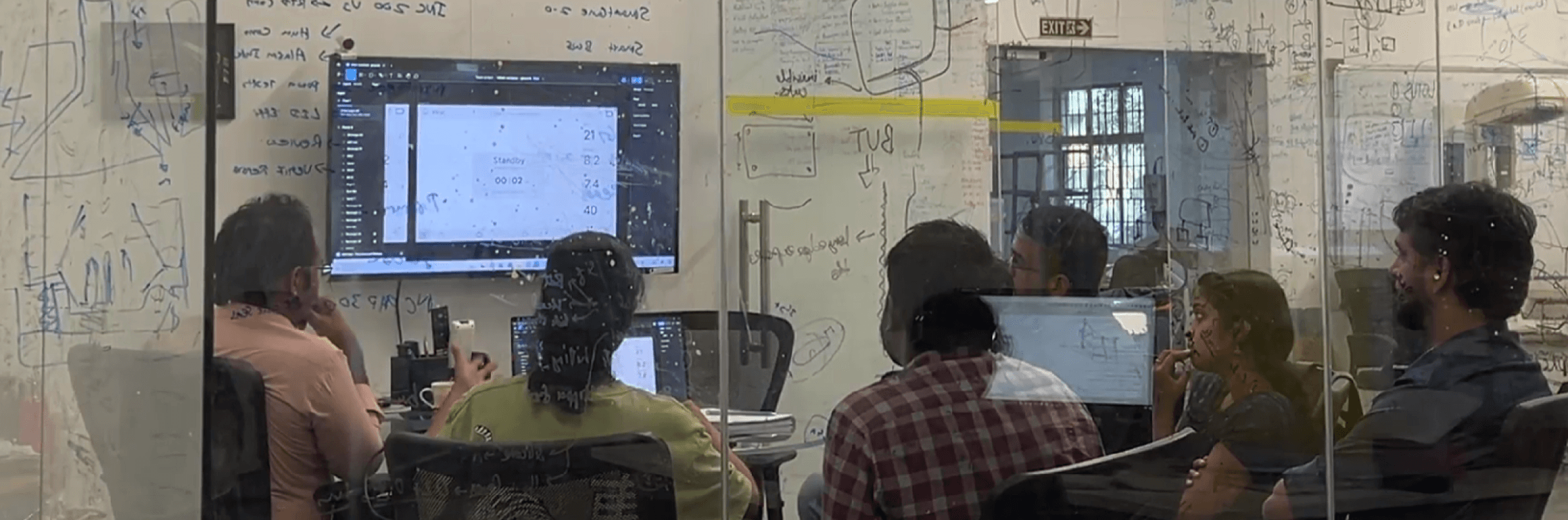
Discussion with team to finalize on
ideation based on feasibility.
Conceptualization
INTER
INTER
INTER
INTER
inter
inter
inter
123456789
123456789
123456789

Phoenix Medical Systems is a pioneering company in India, renowned for its
innovative neonatal and maternal healthcare products. They decided to initiate
a neonatal ventilator project to enhance its offerings in critical care for newborns.
The aim was to design a user-centric interface that simplifies operation and
integrates advanced safety features.
Context
Criticality
Ventilators fall under Class IIb or Class III medical device classification which is in the
high critical category.
Background
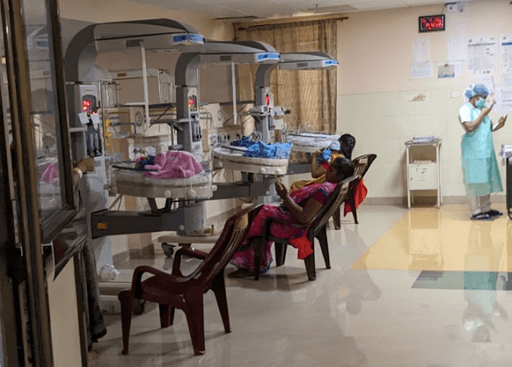
NICU is the intensive care unit for sick new born babies, especially preterm babies.
Having 3 levels based on the criticality of the baby's condition, NICUs are equipped
with several devices for the treatment of baby. Ventilator which is in NICU III helps
the babies in regulating their blood gas levels by assisted breathing. As it is a critical
care device, it is handled by doctors alone and is used for respiratory treatment.
1 million
dying from preterm complications
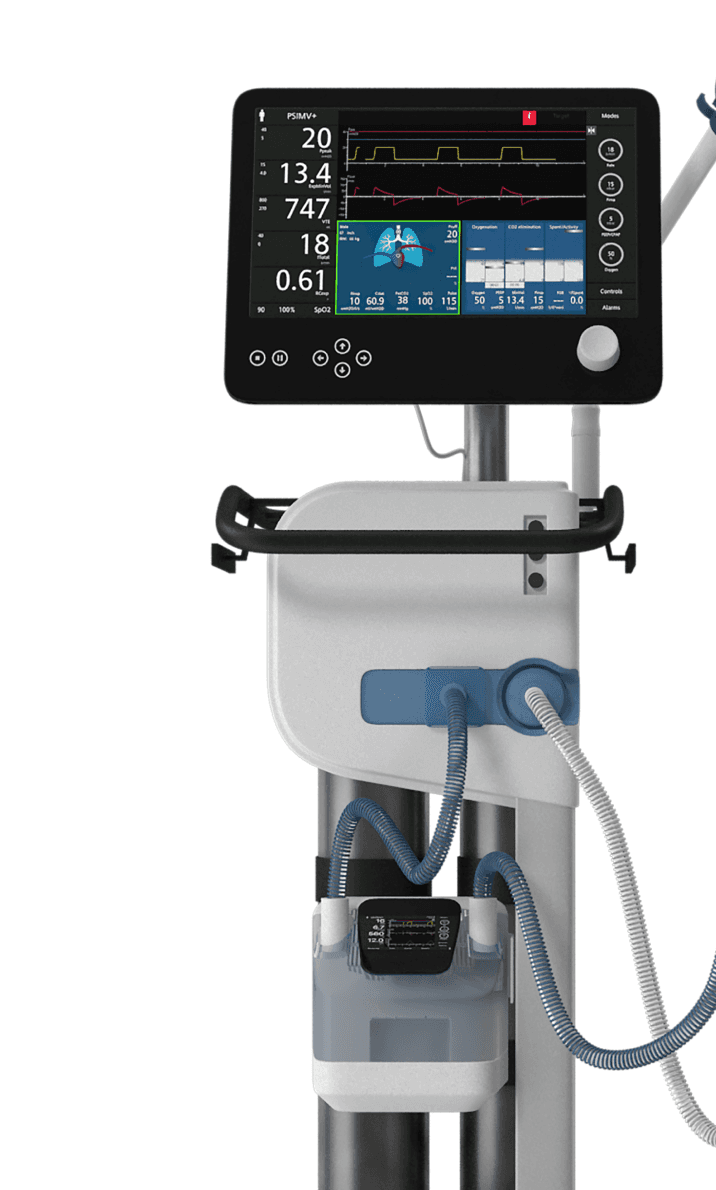
What is a Ventilator?
A ventilator is a medical device that supports or takes over the breathing process
by pumping air into the lungs, providing mechanical ventilation to individuals who
are unable to breathe adequately on their own
This can be done in different modes according to the baby's needs. You can set
the time, repetition amount, amount of oxygen etc for the situation.
These controls are done through an interface available in the ventilator
which plays the most essential interaction.
Respiratory distress syndrome (RDS)
affects about 80% of neonates born at 28 weeks gestational age
and this percentage increases to 90% at 24 weeks gestational age.


5778A8
B9D458
E3EAF6
B3DAFB
F2AC3C
DCEAFD
A3A3A3
717171
Moodboard
Designing an intuitive neonatal ventilator interface for Phoenix Medical Systems,
informed by in-depth research into infant respiratory needs and clinician workflows,
to ensure precise, safe, and adaptable life-support for fragile newborns in critical care.
More than 1 in 10 babies worldwide are born early,
with major impacts on health and survival
WHO (2023)
Connection
Setting up
Monitoring
Adjusting
Weaning
Connecting the baby
to the ventilator
Setting the ventilator
according to the
requirement of
the baby
Monitoring the baby
based on the
measured values
and requirements
Adjusting values
according to the needs
progressively while
trying to reduce the
ventilator support
Disconnecting the baby
once the baby is
healthy enough to
breath on it's own
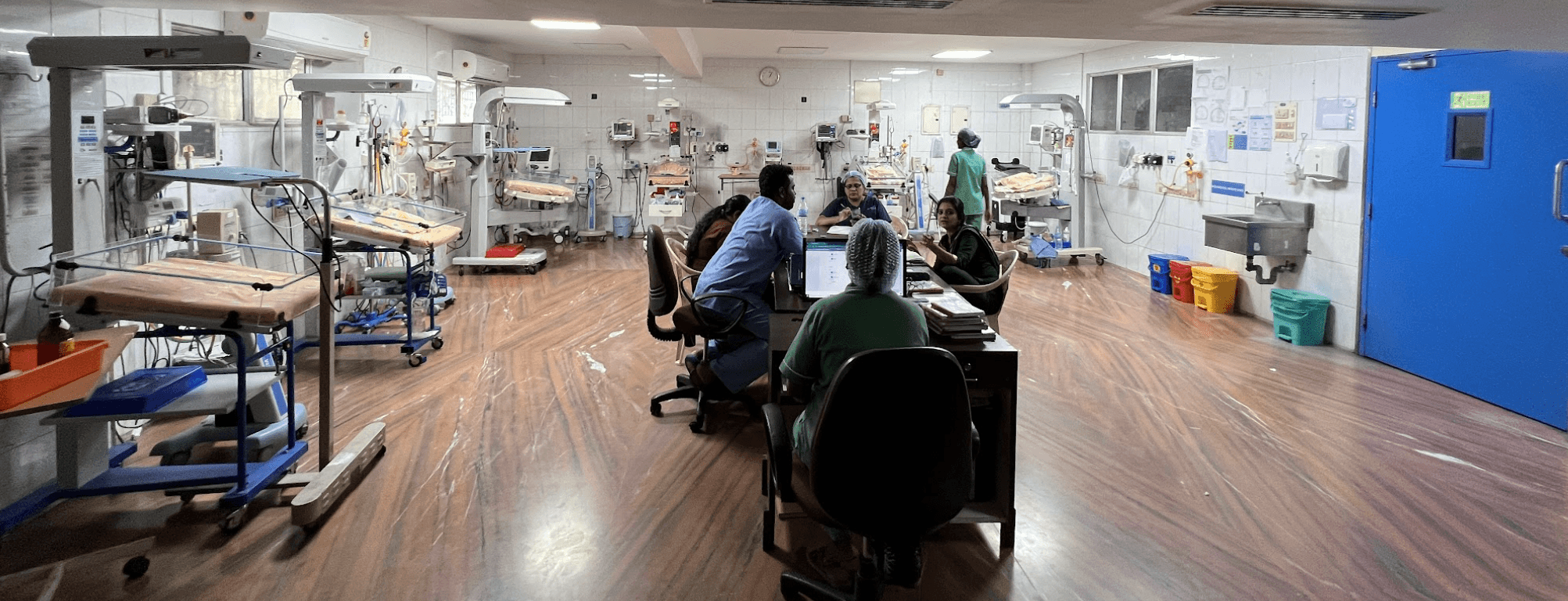
Setting Up
Connecting a baby to a ventilator
is most of the time done as a last
resort to save the babies life. Every
second spend on the setting up is
the time reduced from saving the
life. This calls a need for quick
decision making. The doctors
handling the ventilator is the one
who takes up the pressure
Unknown Features
Most of the time because of the
fear of the unknown, doctors and
staffs who operates the ventilator
ends up sticking to the basic
functions. This leads to the
inefficiency of features which
otherwise could have been
assisting the doctors in
the treatment.
Documentation
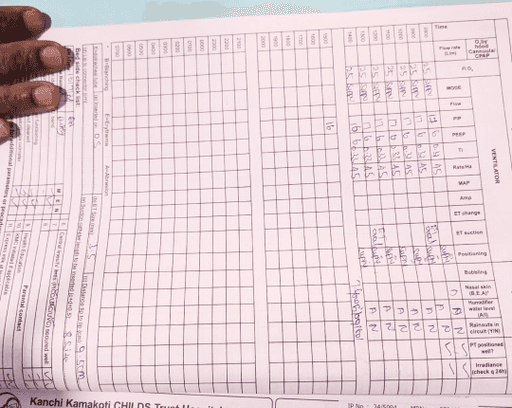
Doctors visit the baby in every 1
to 2 hours. There could be a lot
of important events that could
happen at these time. Even with
nurses documenting and reporting
there is a chance of human error in
this process.
Major Insights
This made us fixate on our final lines before we start ideating
To make it efficient by reducing
the time required on UI
Everything should be intuitive, clear
and properly communicating
UI should be designed in a way to assist the
doctors indecision making
Research gallery
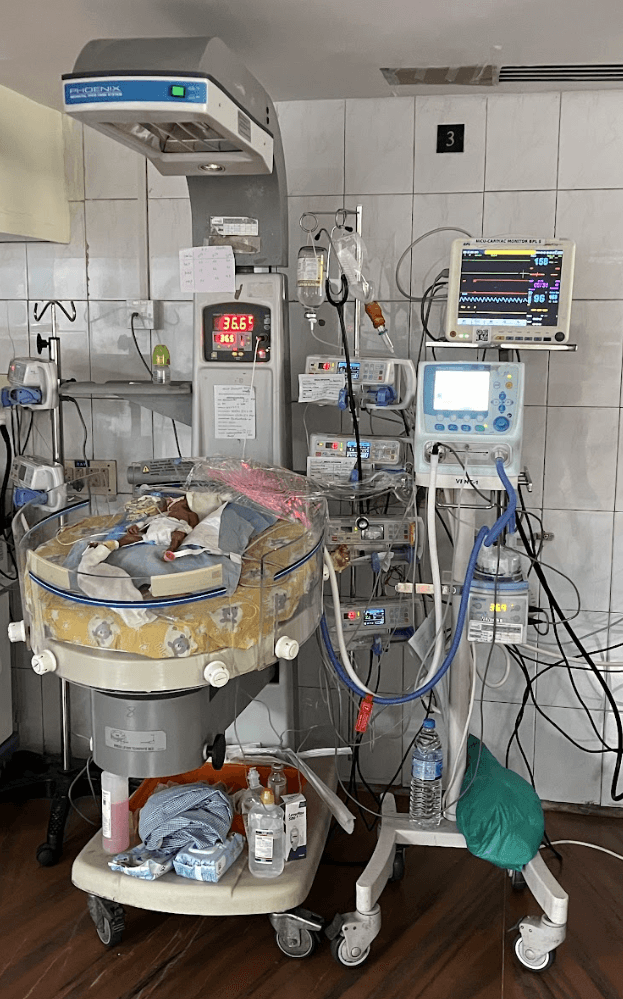
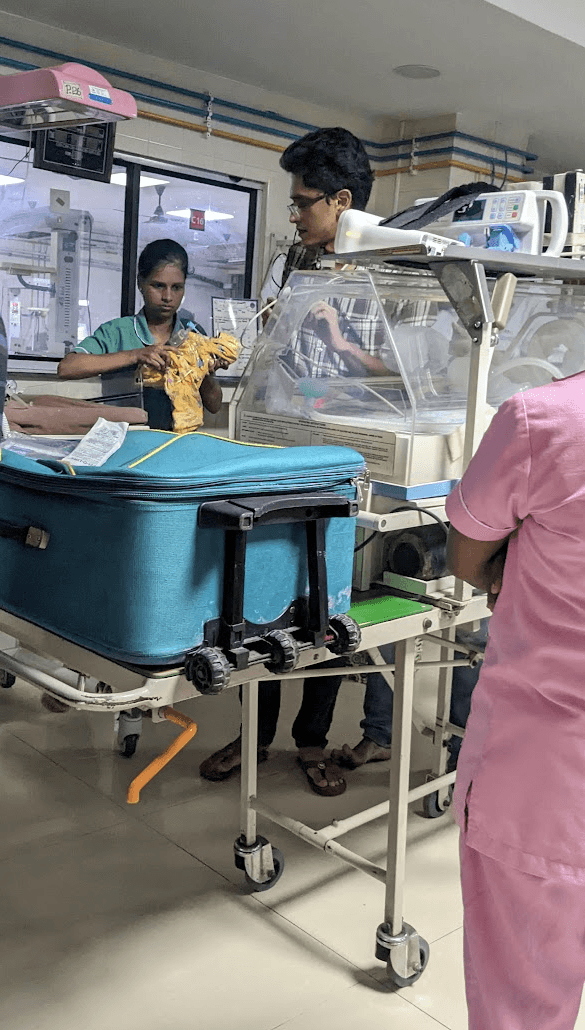
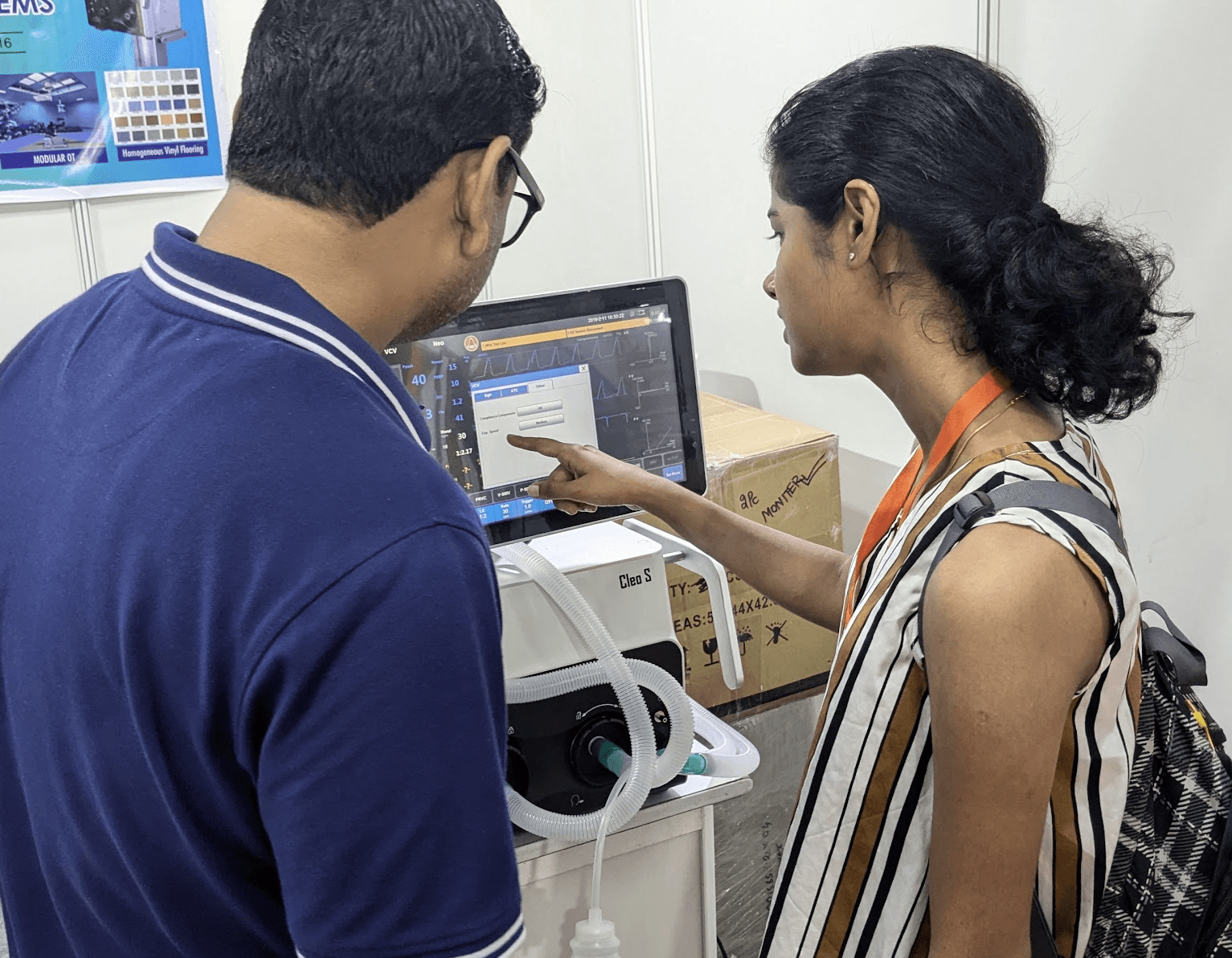

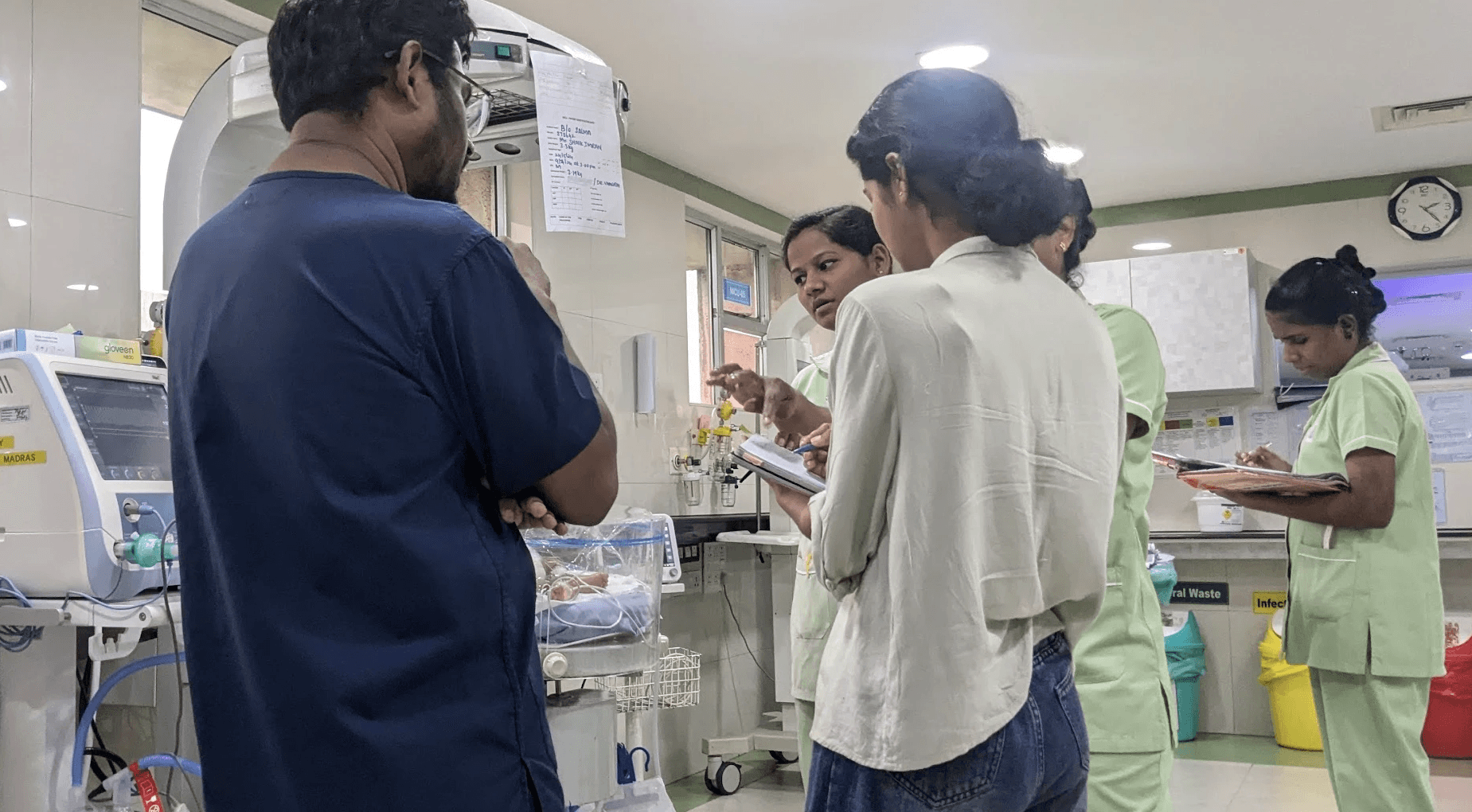
Doctors
Interviewed
Nurses
interacted
0+
0+
Hospitals
Visited
0+
0+
0+
0+
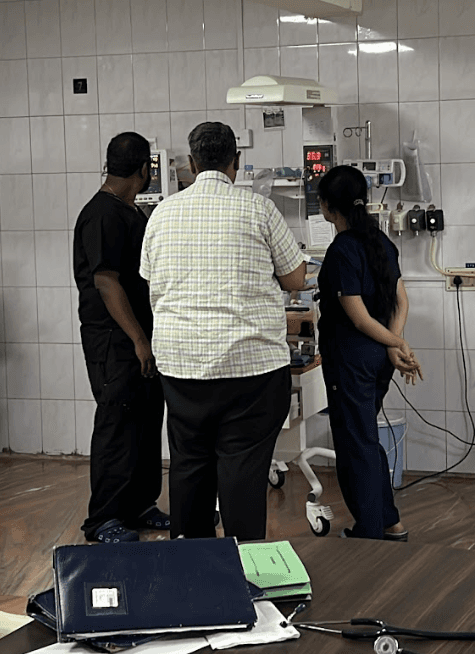
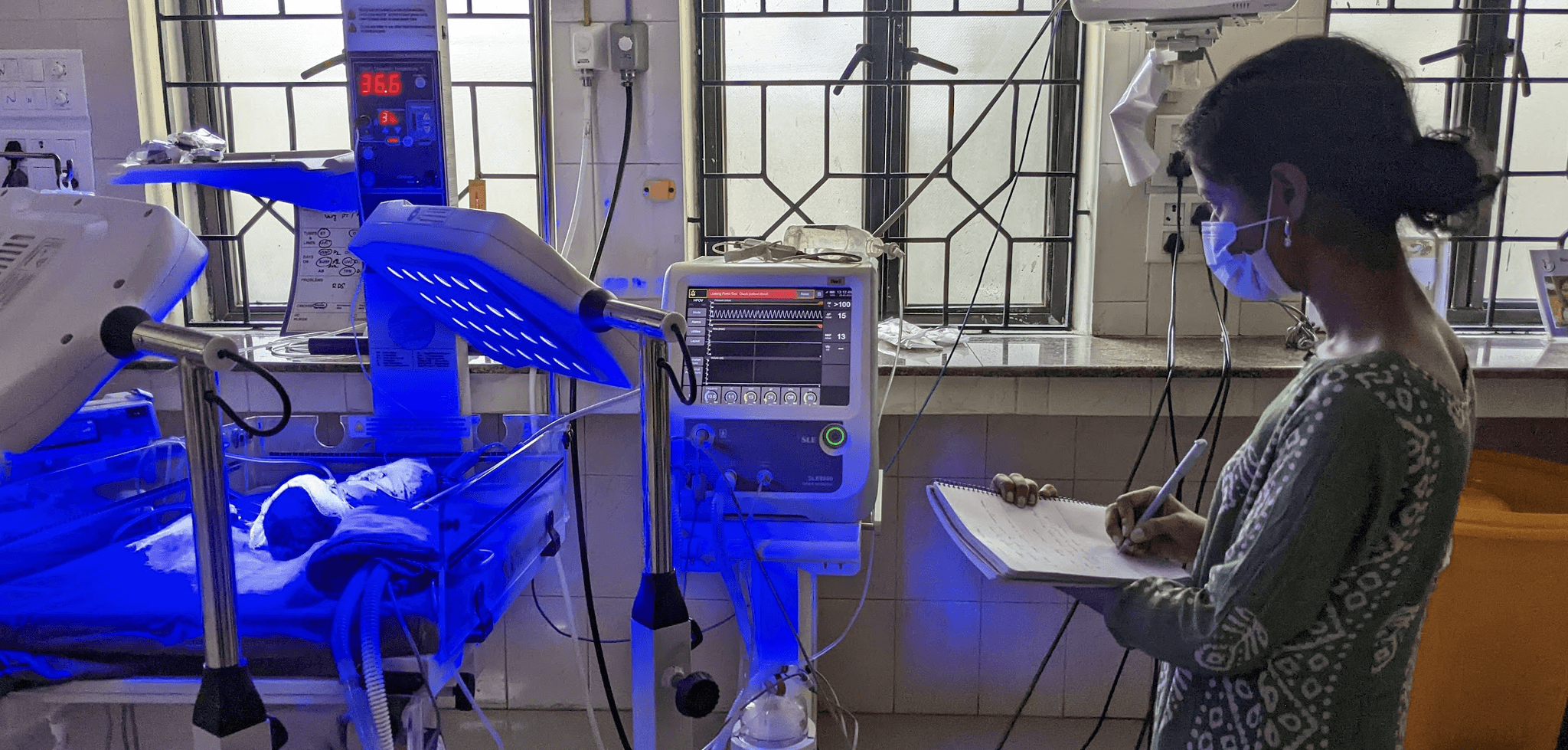
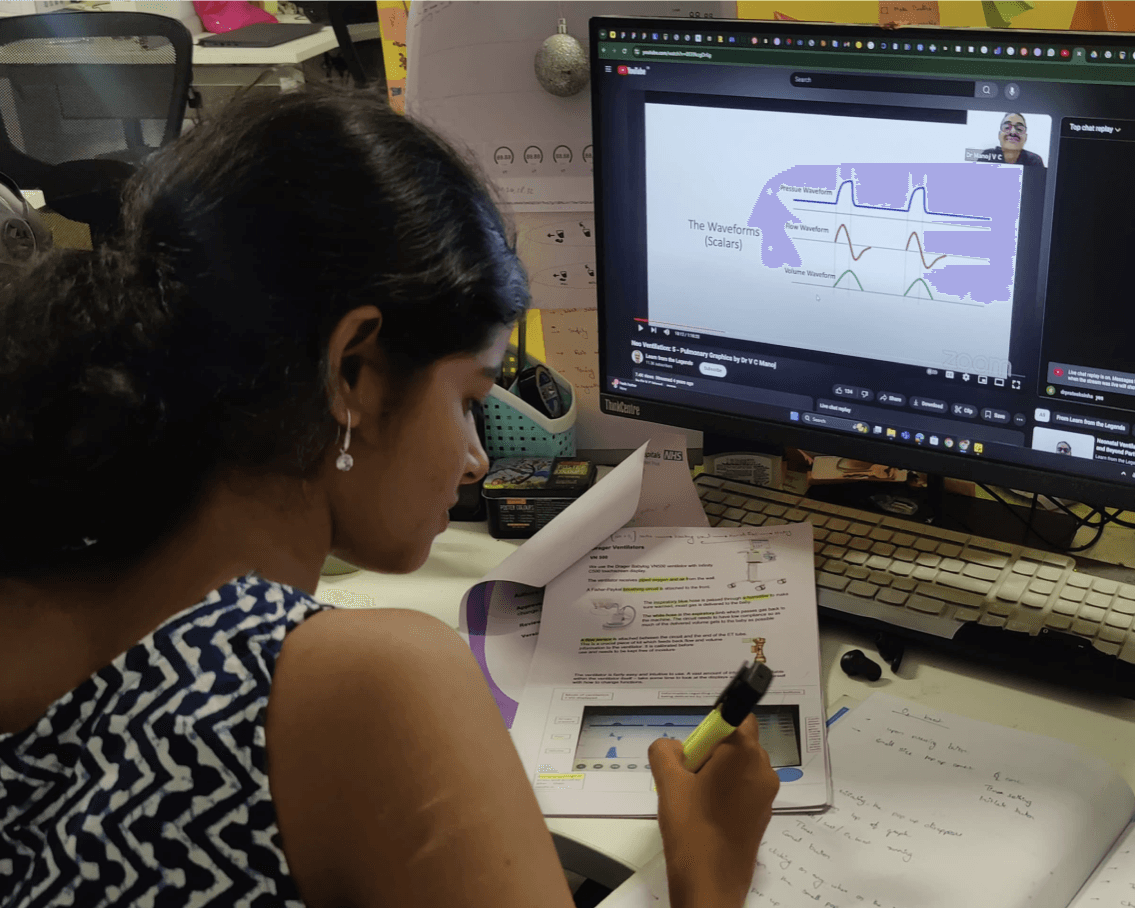
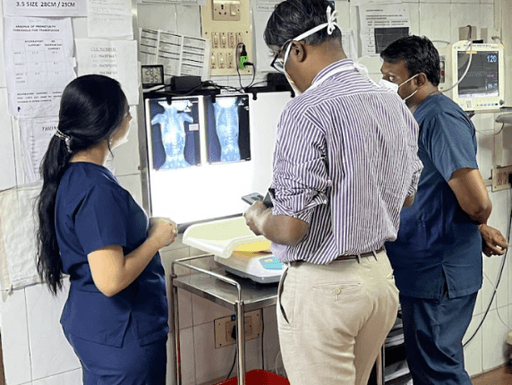
The project started with desktop research which began from learning human lungs biology to identifying the screw length of the ventilator body.
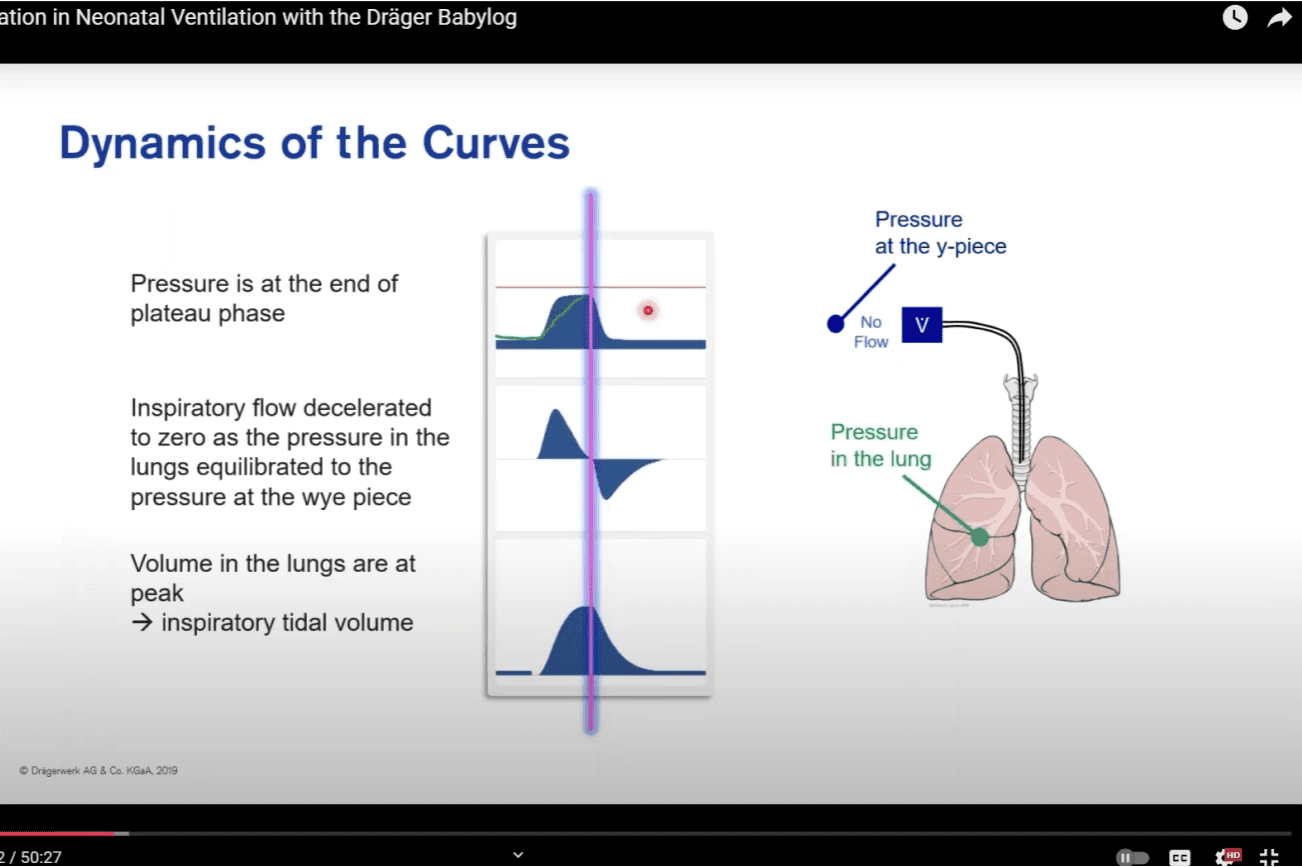
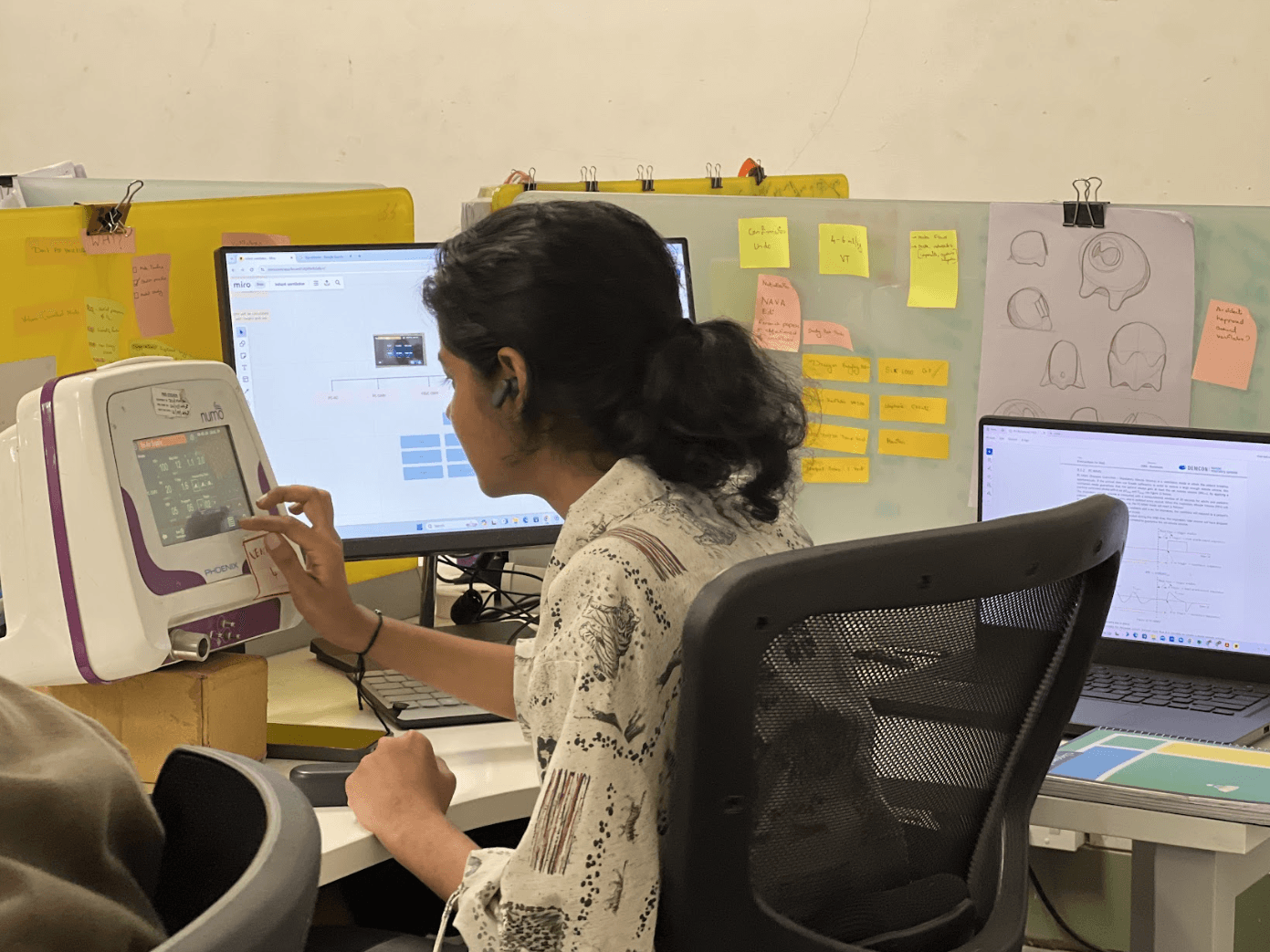
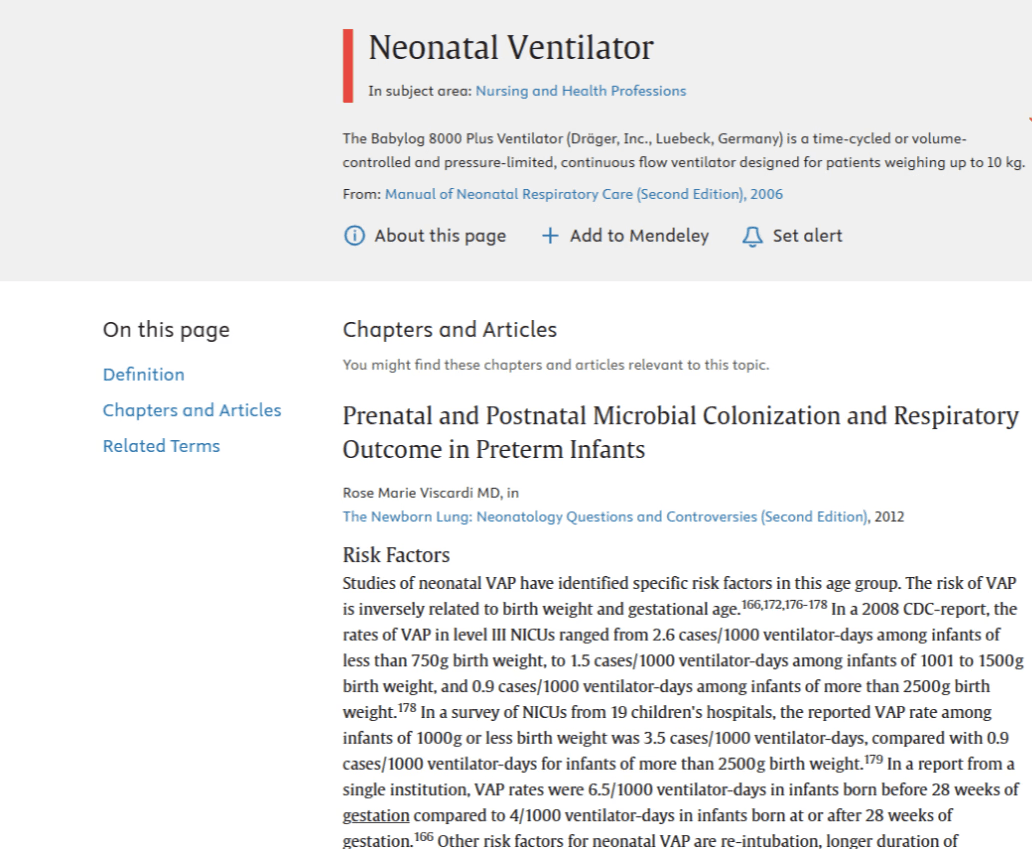
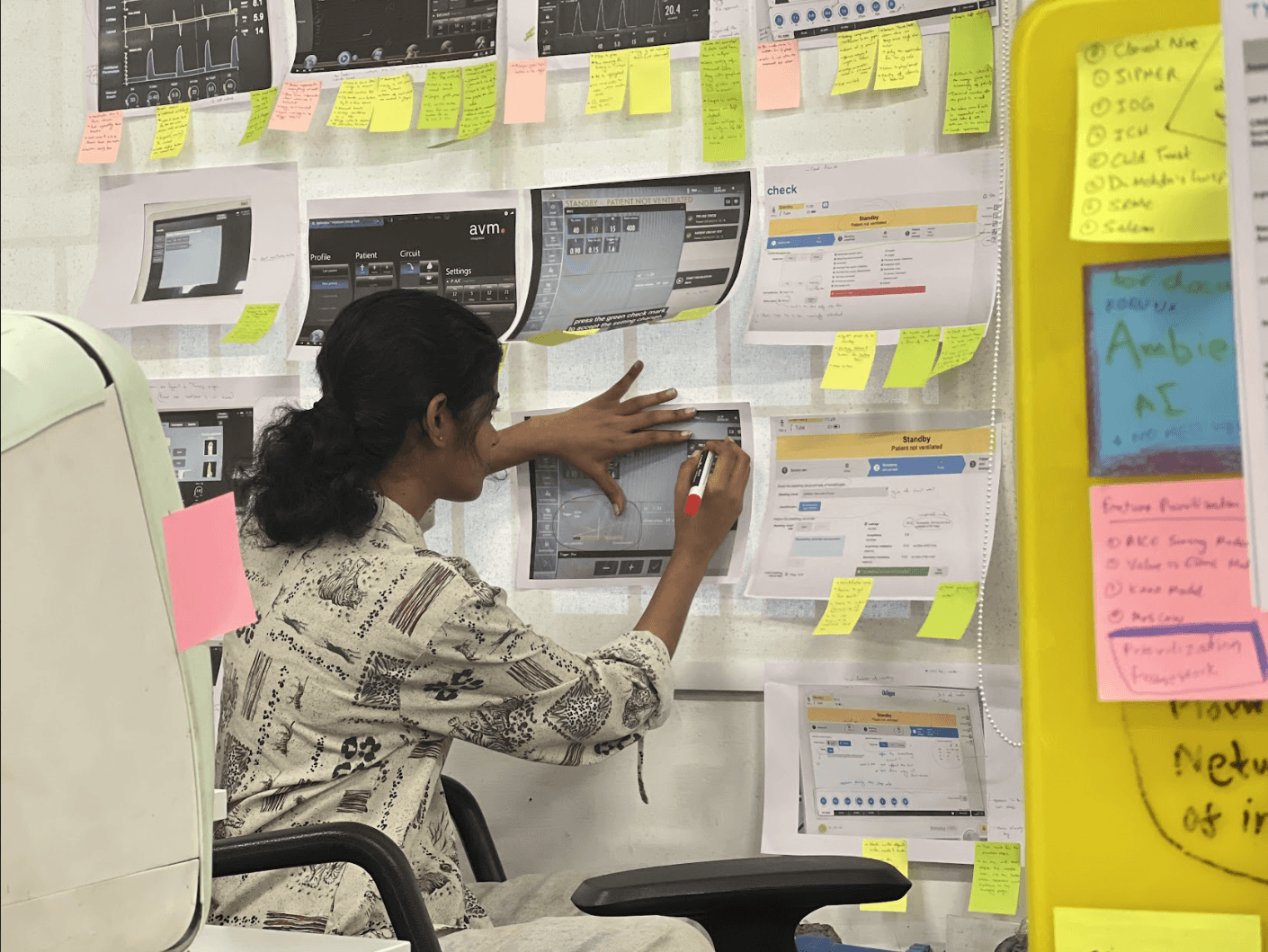
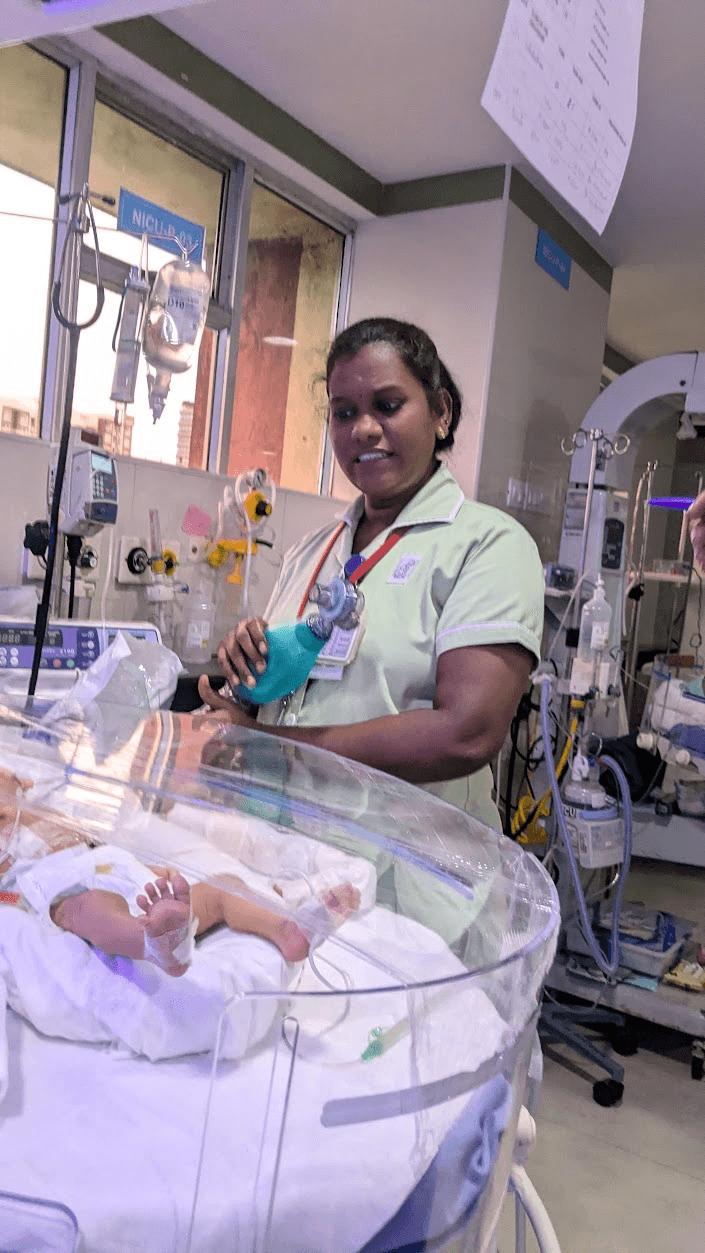
These helped understand the product from different stakeholder point of view.
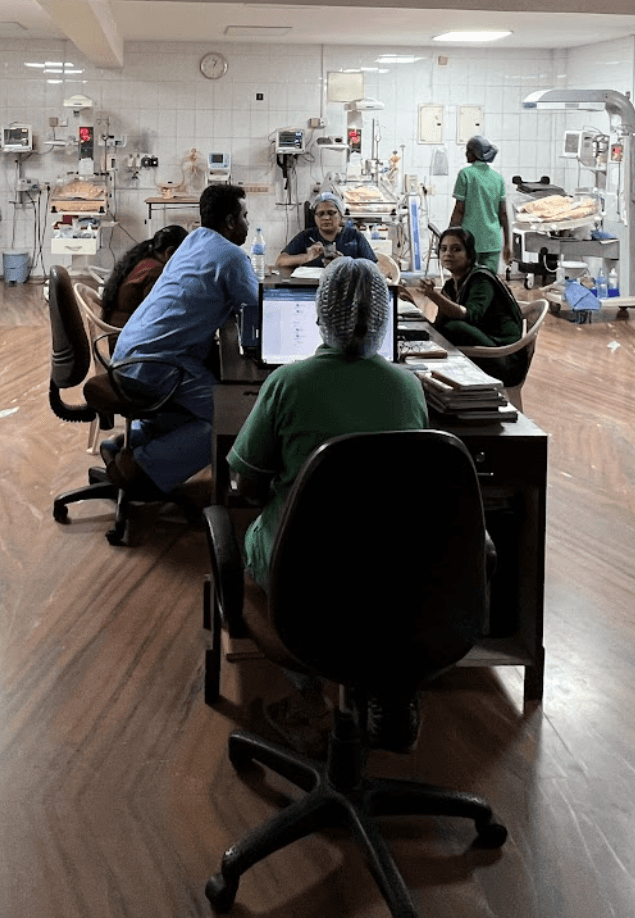
Along with the questions, we used method of Fly on the wall for observation.
This gave us even more information on how the product environment is.
The possible errors, difficulties and frustrations are often overlooked.
An extensive study was done to identify were there are loss of time or efficiency
while working with ventilator and what is it resulting in.
UI Problems areas
Overwhelming UI
Unclear buttons
Confusing UI flows
Cluttered & Cramped UI
Unattended alarms
Unused functions taking space
Stakeholders
Major aim is to reduce the trauma for baby during these treatments
Doctors
Take decisions
Make changes
Assess baby situation
Nurses
check on the baby
Change setting if doctors
only ask them to
Special care for baby on
ventilator
Parents
Do KMC (Kangaroo Mother care)
Feed baby
Take care of the baby
Hospitals have a specialized department called the neonatal intensive care unit, or NICU, dedicated to caring for newborns - (Neonates are defined
as infants in the first 28 days of life, a critical period during which they are at their most vulnerable with critical health needs). The NICU provides a
controlled environment where premature babies, those with congenital conditions, or newborns facing other medical challenges receive
round-the-clock care.
NICU

Home page
Final Designs
Classification of features

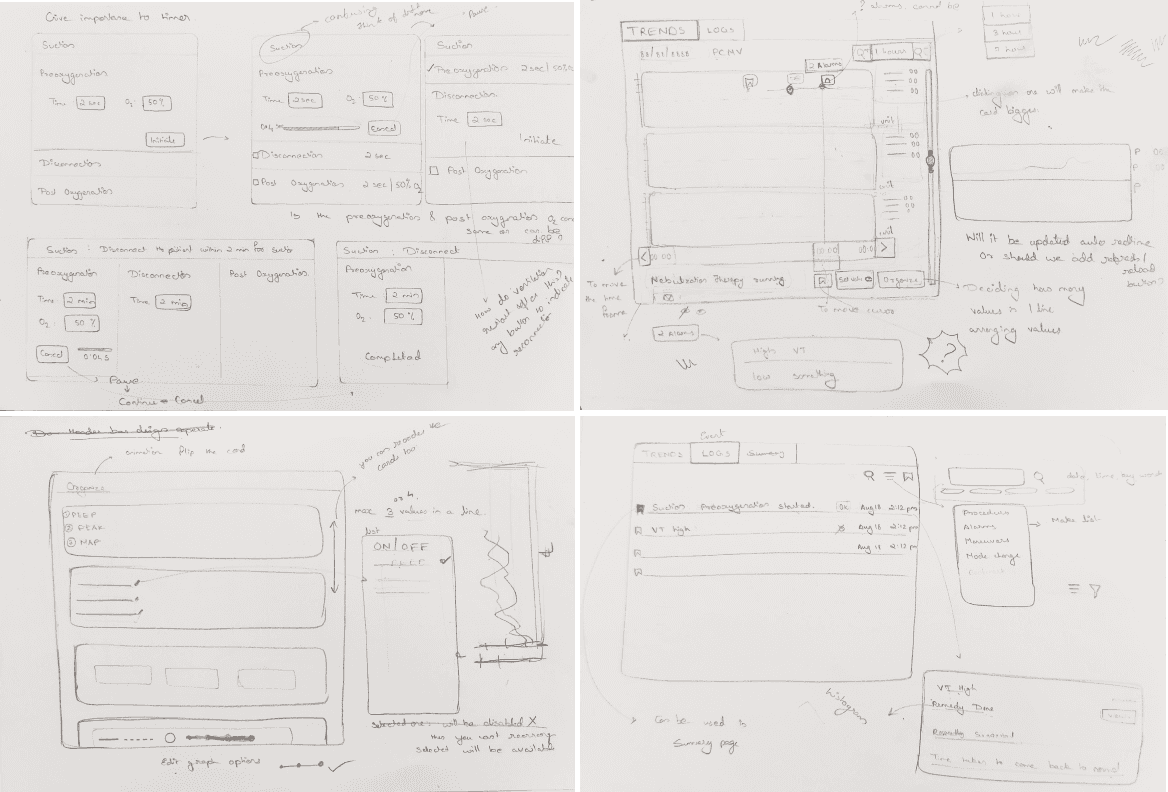
The low-fidelity prototypes focused feedback on user
flow and functionality, minimizing distractions from visual details.
Additionally, the informal setting encouraged open dialogue,
enriching our design process with diverse insights.
Pen on paper
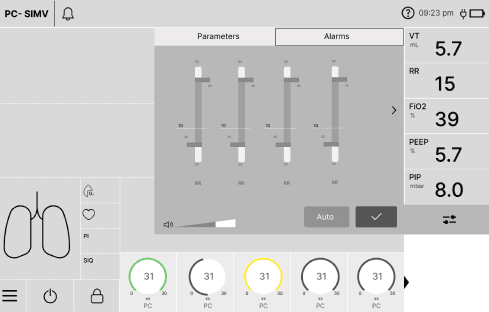
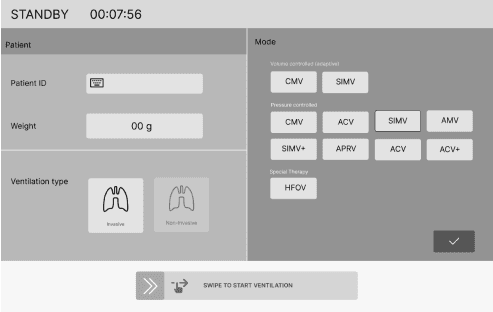
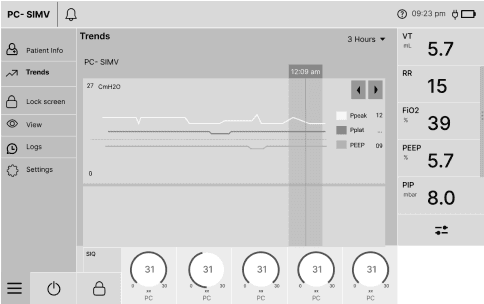
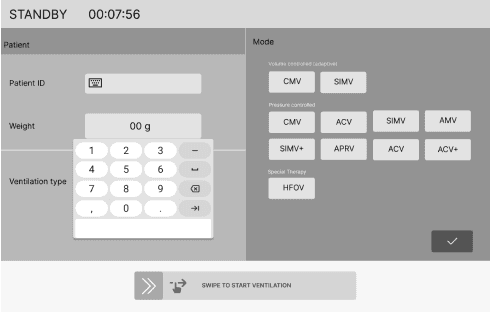
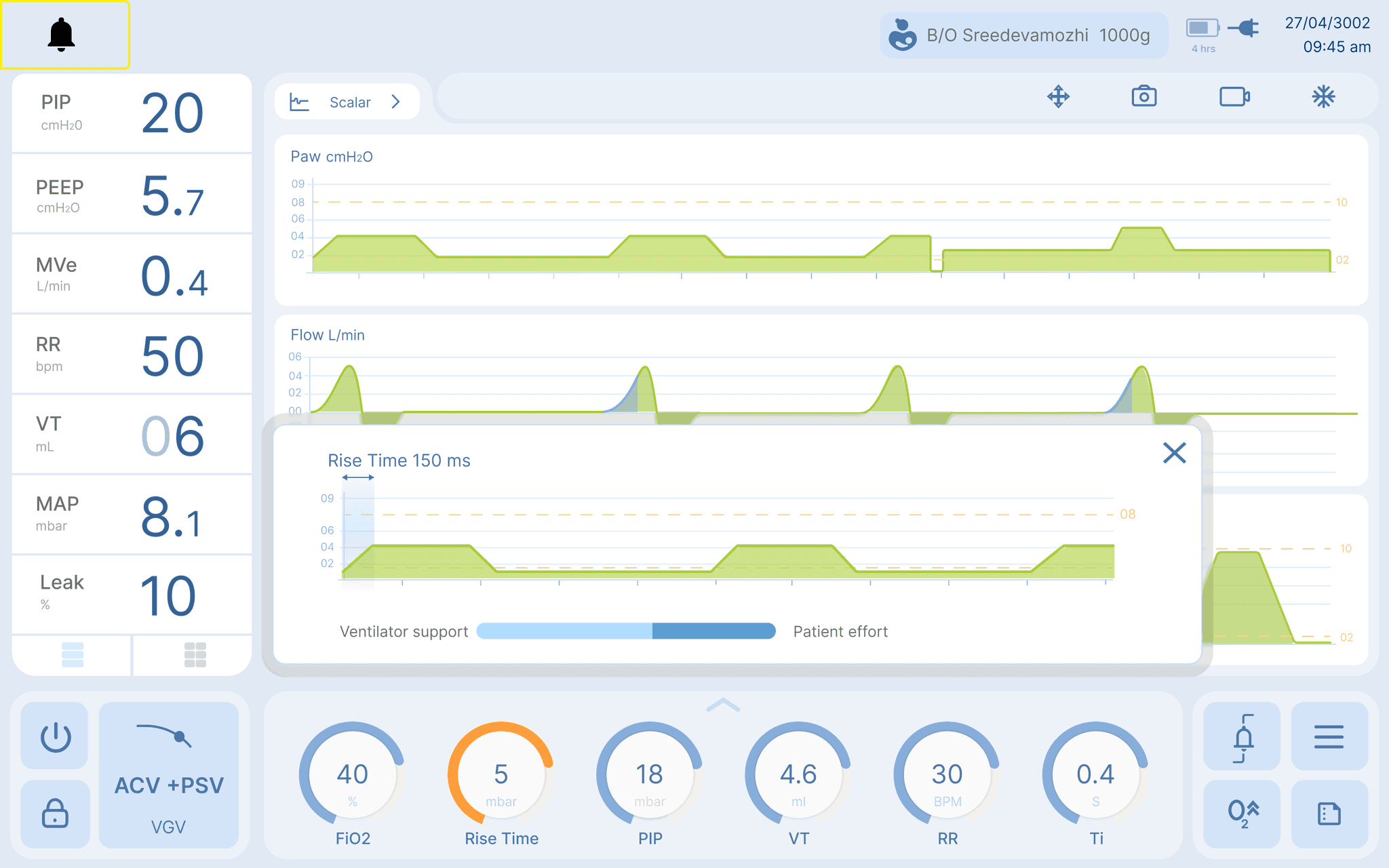
Visual expression of settings
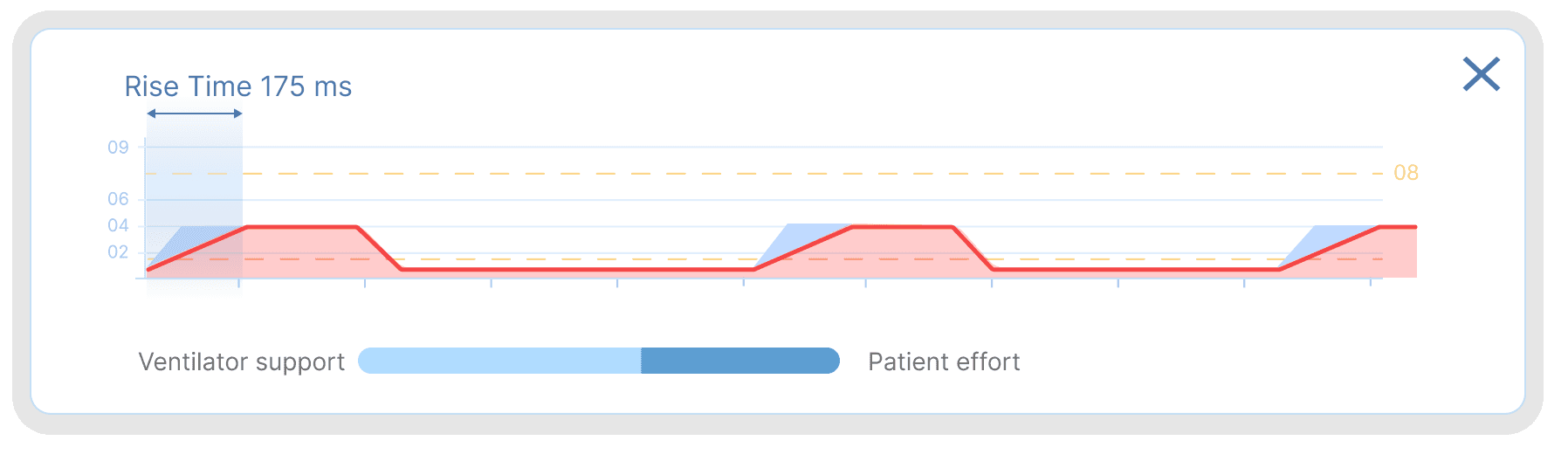
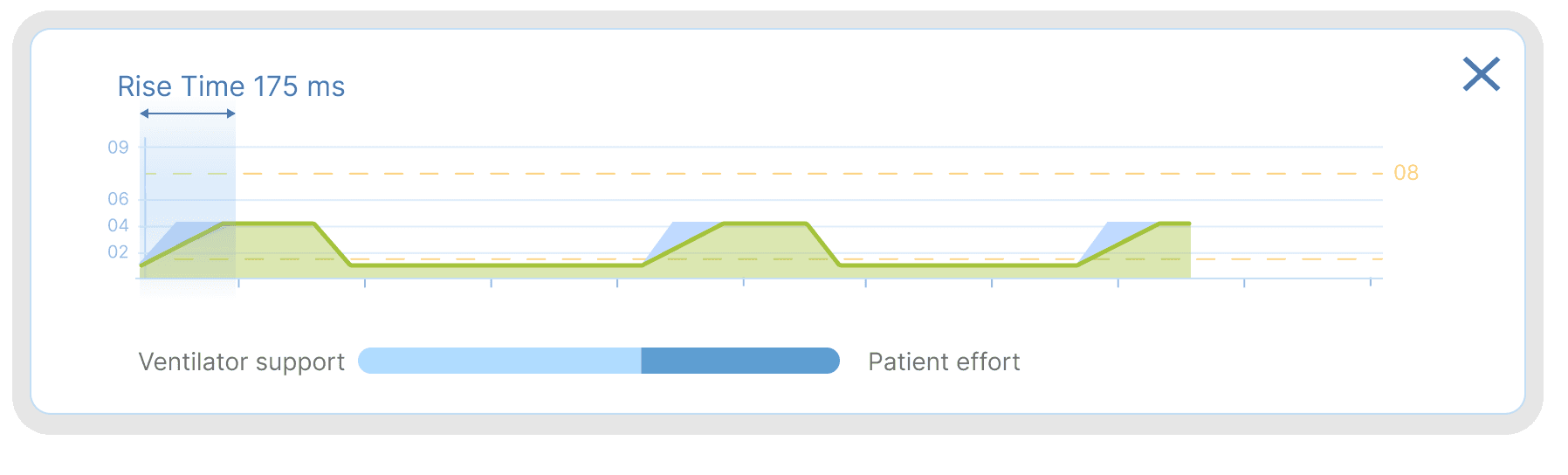
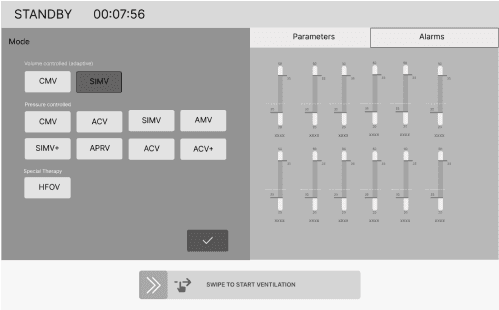
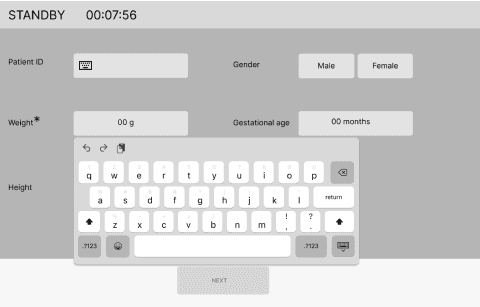
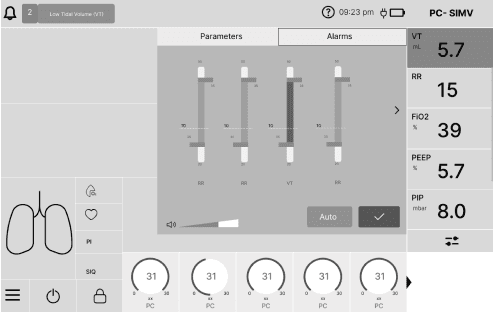
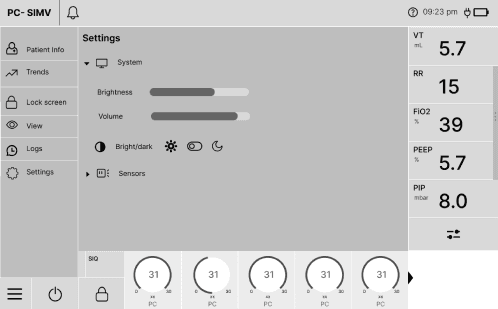
Doctors get clarity about how their changes affects the therapy
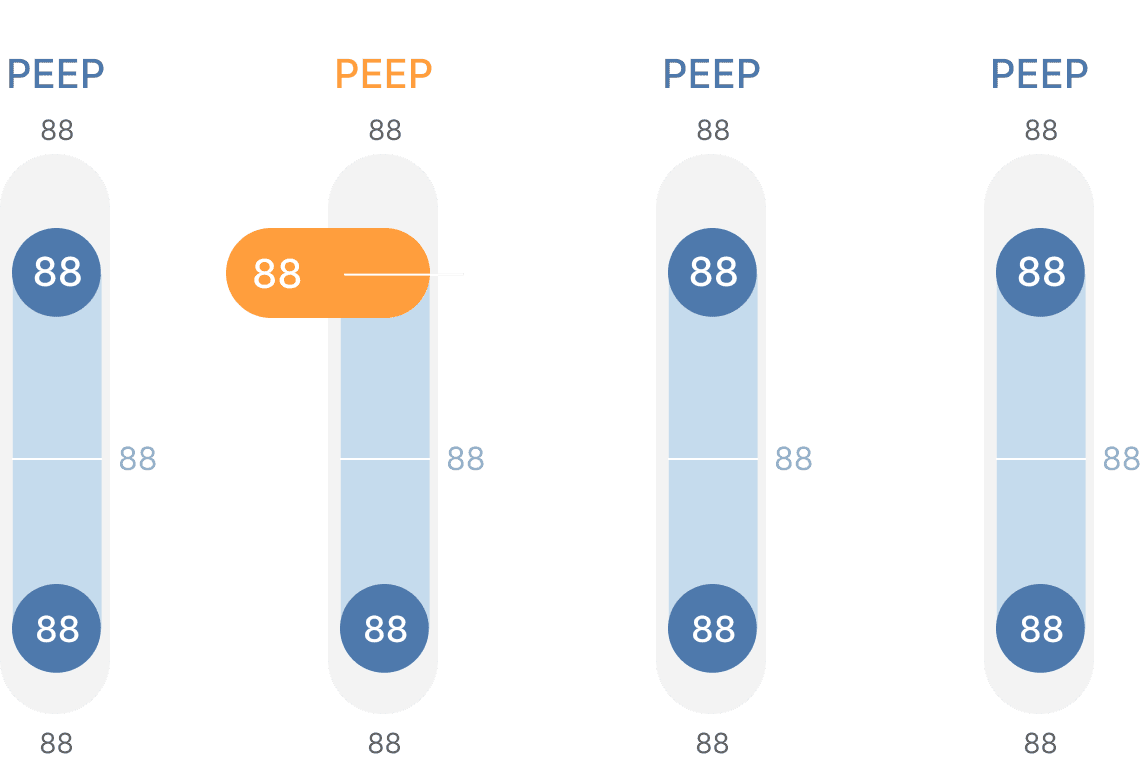
An alarm limits which primarily is just a display but converts into active slider when needed
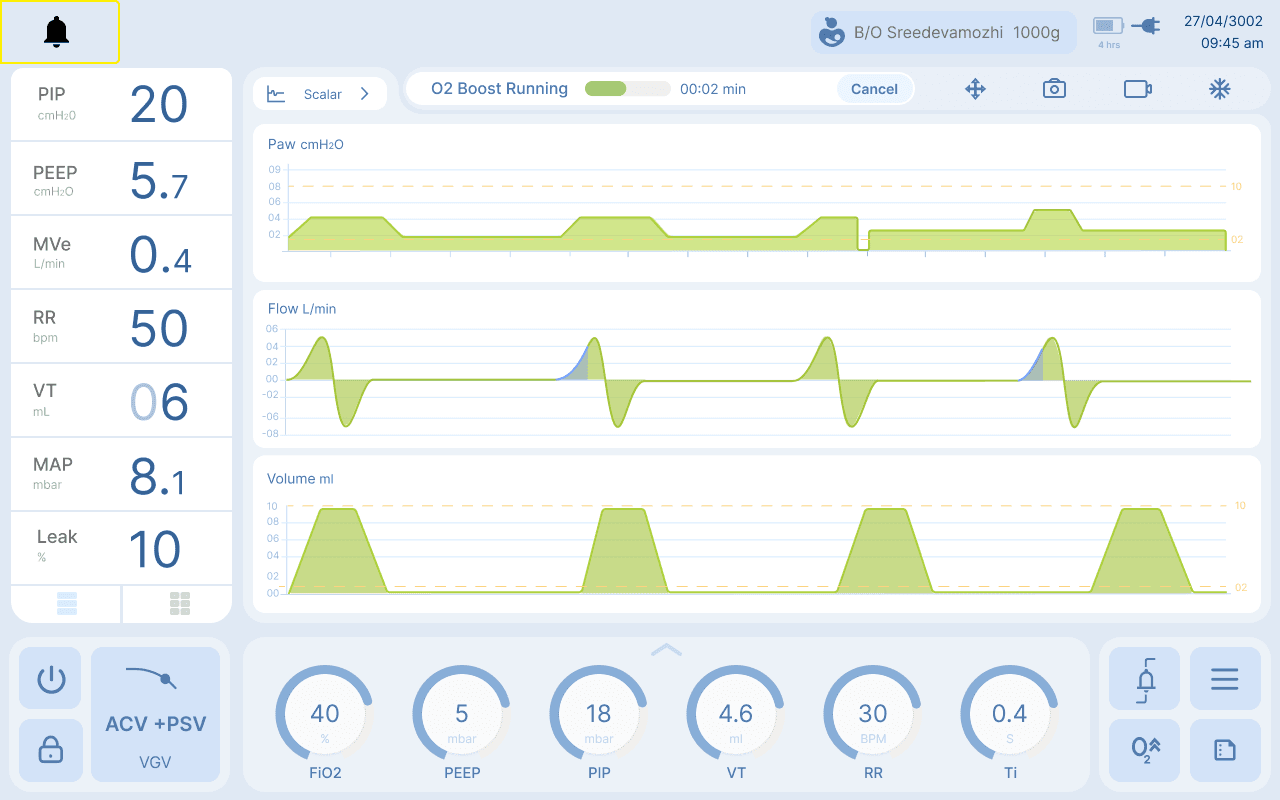
Dedicated display of running therapy updates without taking much space on screen


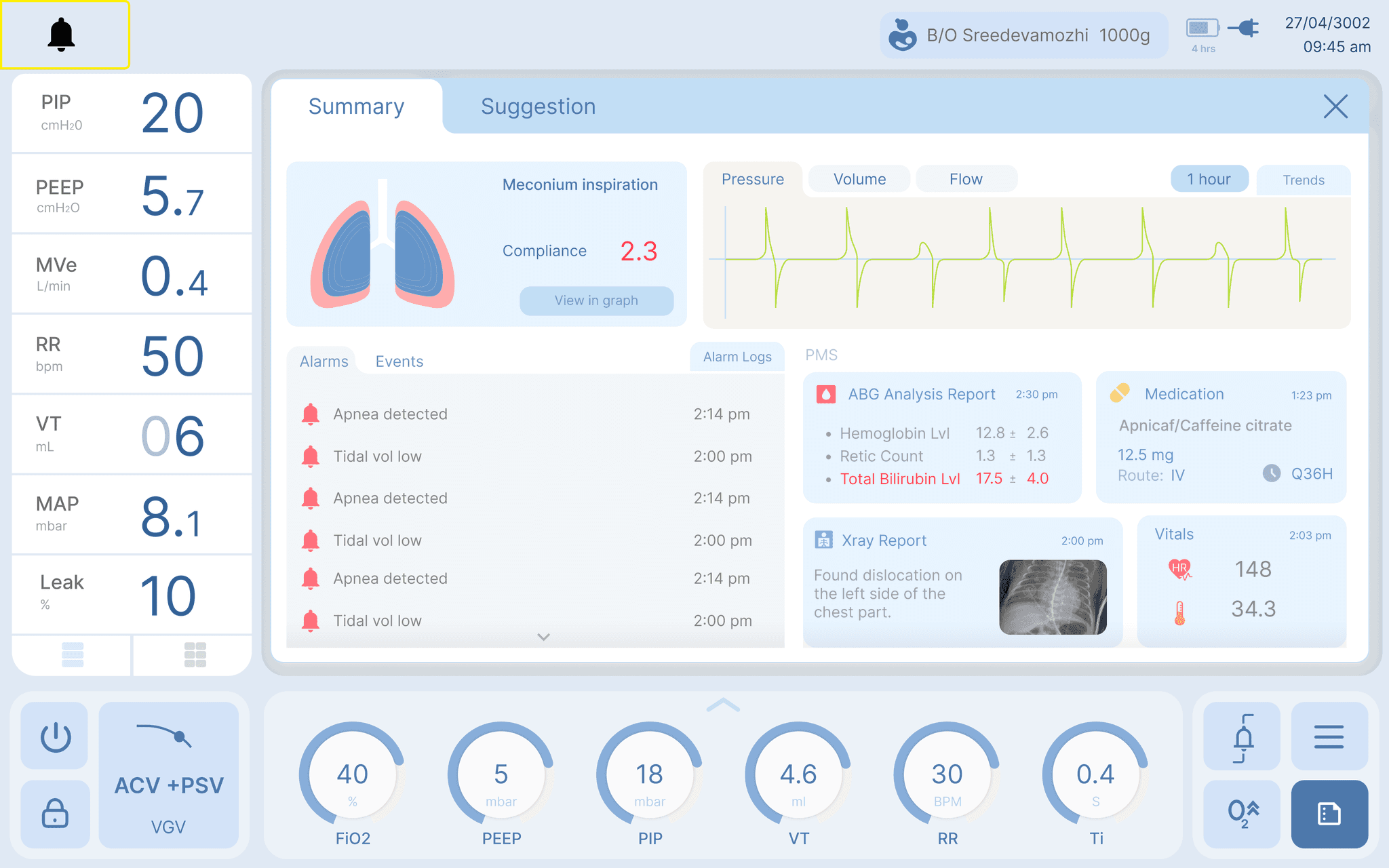
Summary
Giving doctors the overview about what they have missed out in the past 1 - 2 hours between each rounds. Lab reports for assessments which help
in changing settings of ventilator.
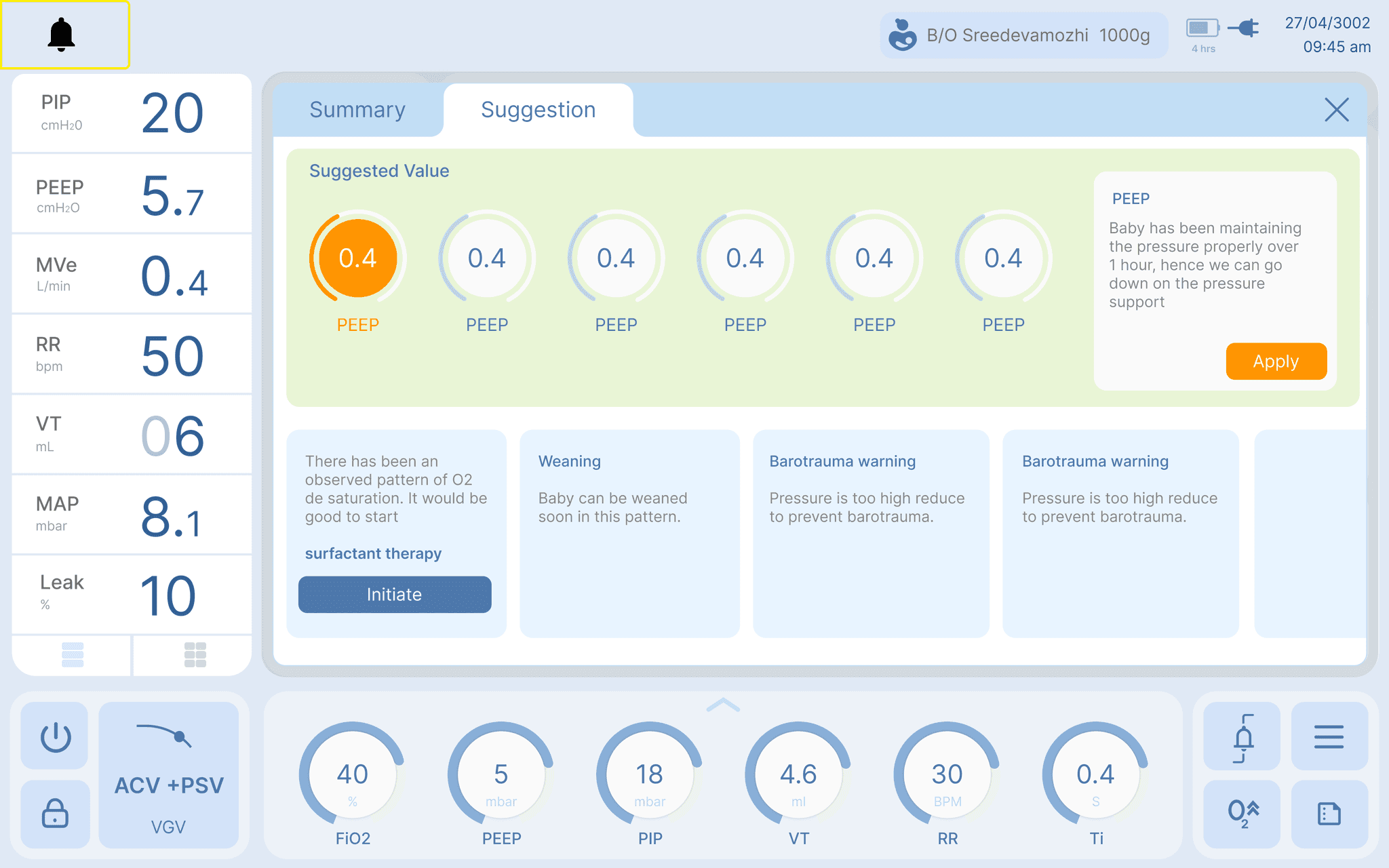
Suggestions
Assisting the doctor in decision making by suggesting what settings best suits the baby's lung condition.Other features include suggestion of therapy
and prediction of lung conditions.

User Testing
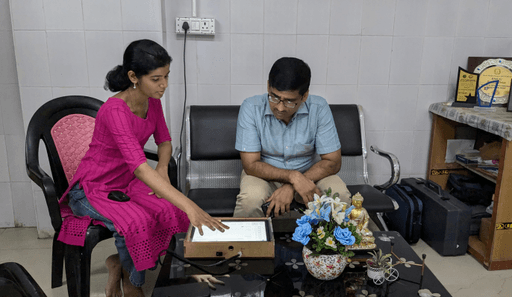
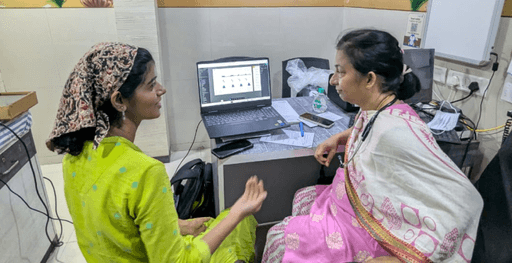
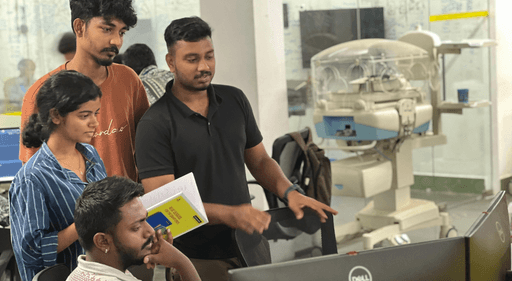
The design underwent user testing at various levels to ensure its effectiveness and usability. Feedback was also gathered to align the
design with the specific requirements provided by doctors.
The process is more extensive yet not shared due to NDA.
To get more information on the design and the process
we can have a further discussion on contact.
Due to the magnitude of the project , it has been split into two sections.
To see further research of the project.
Take me to research
Take me to research
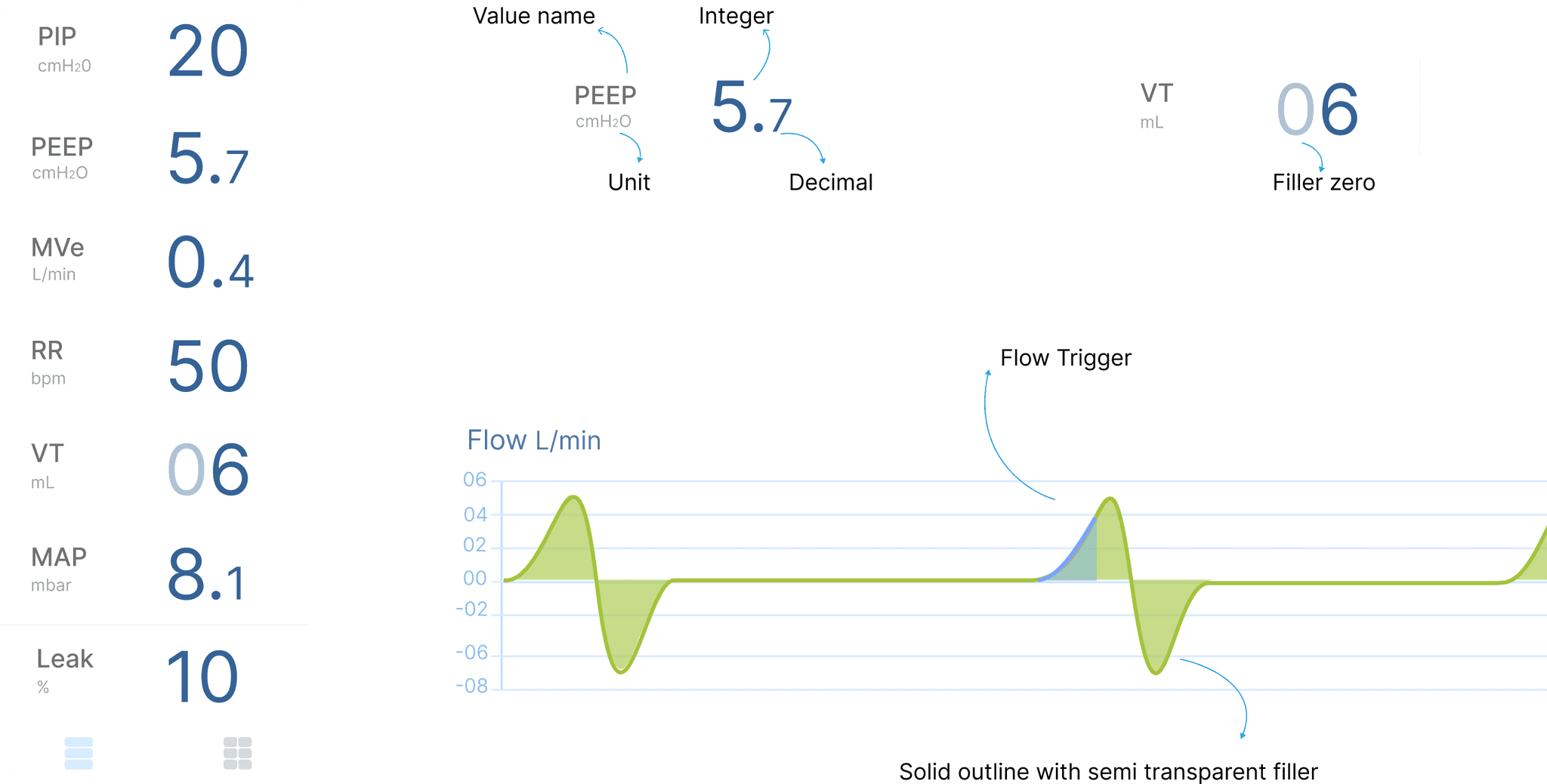
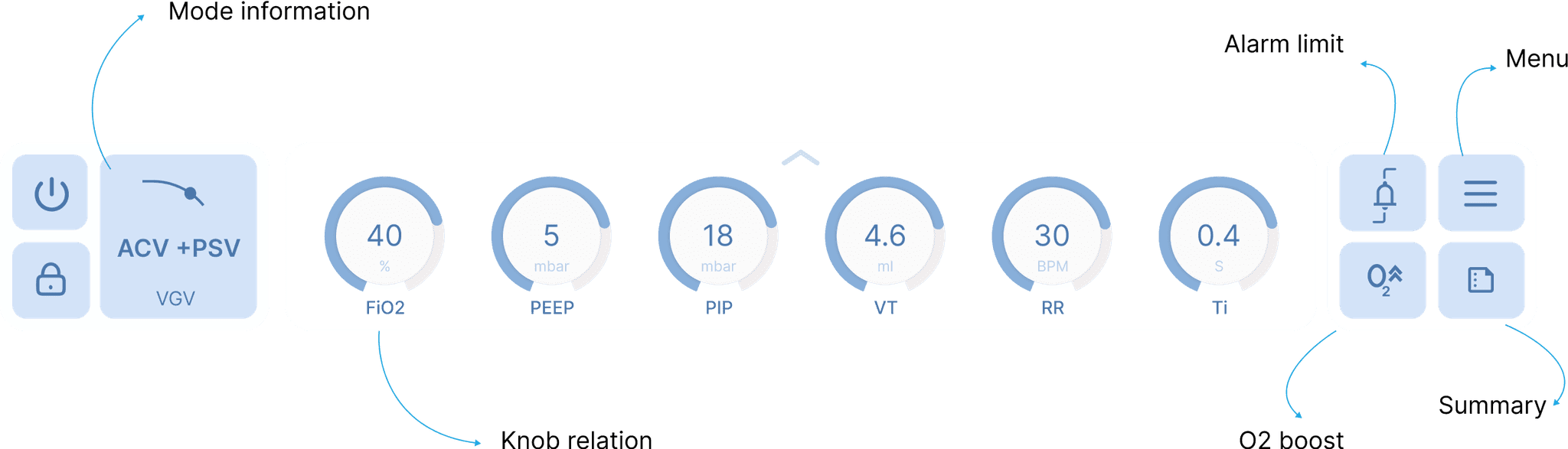
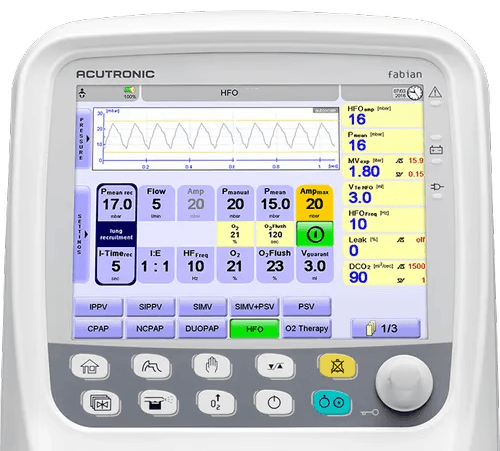
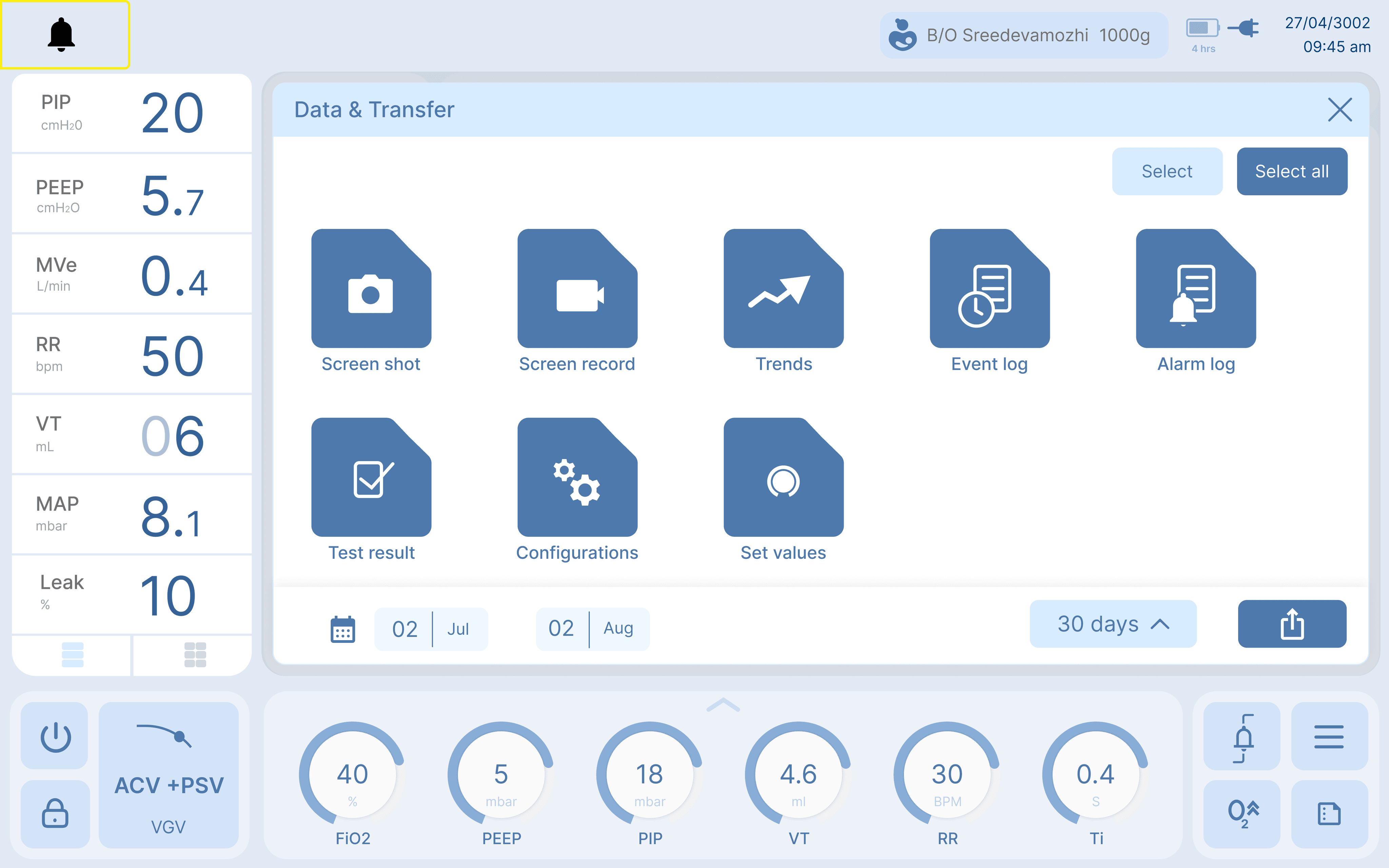
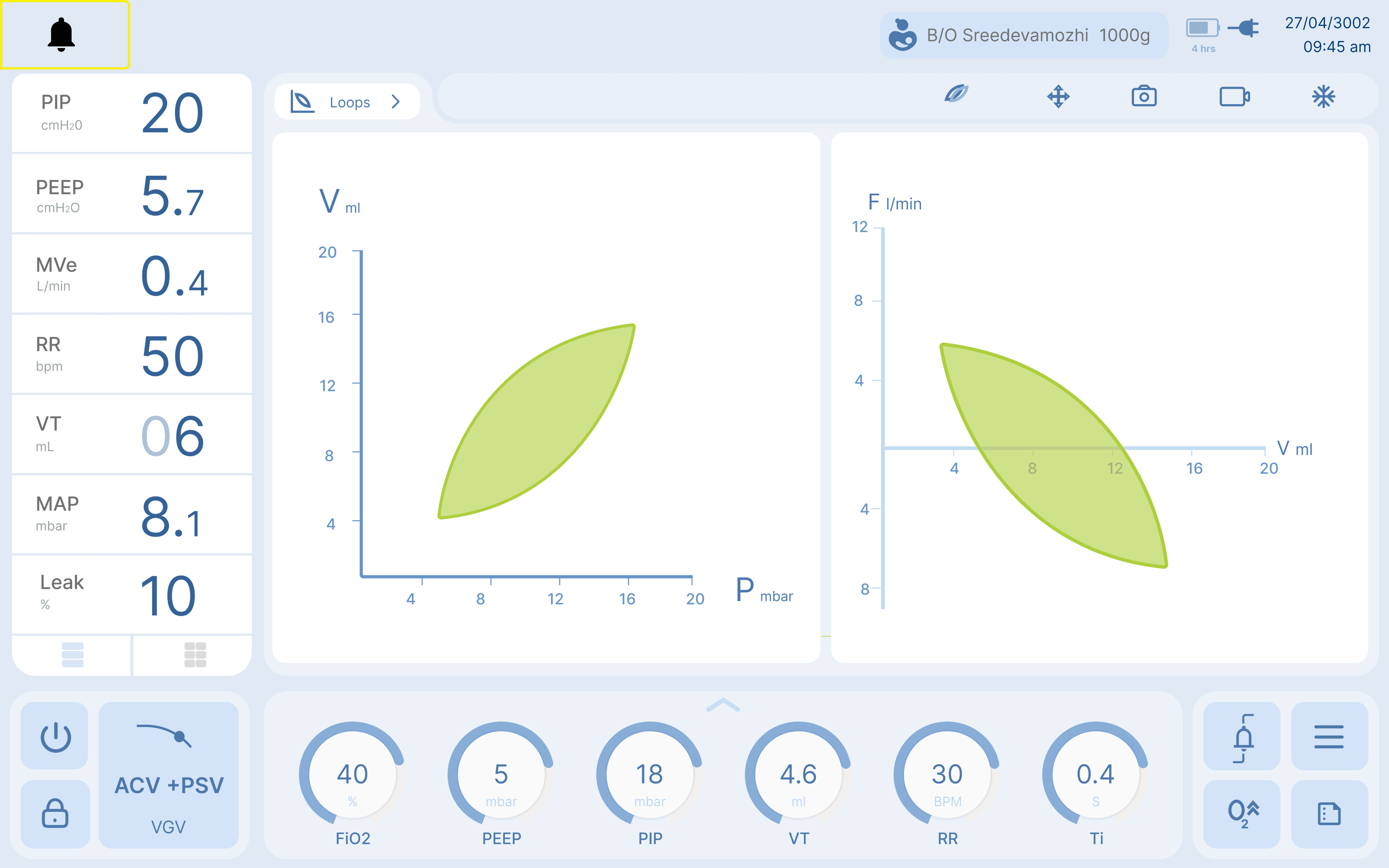
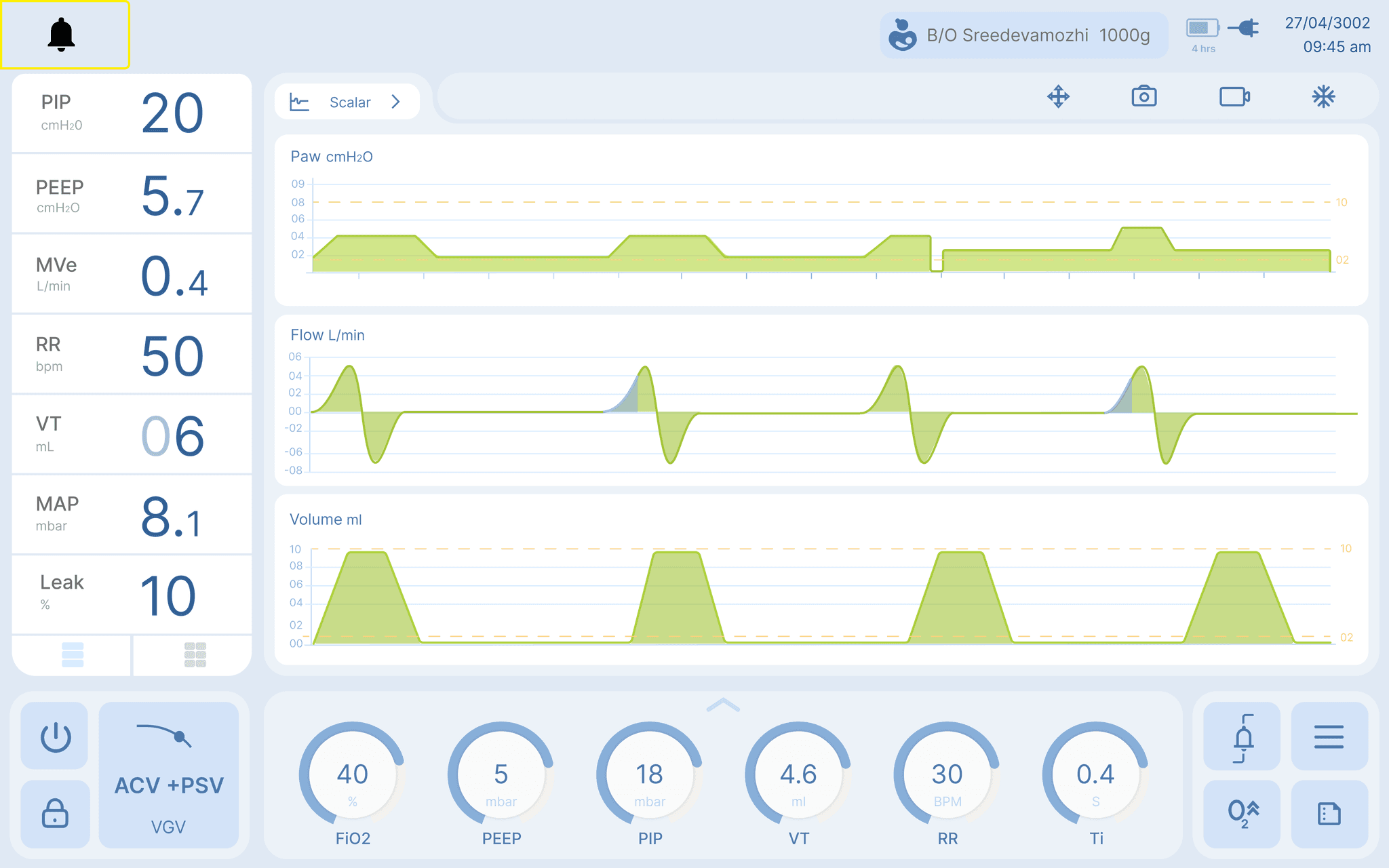
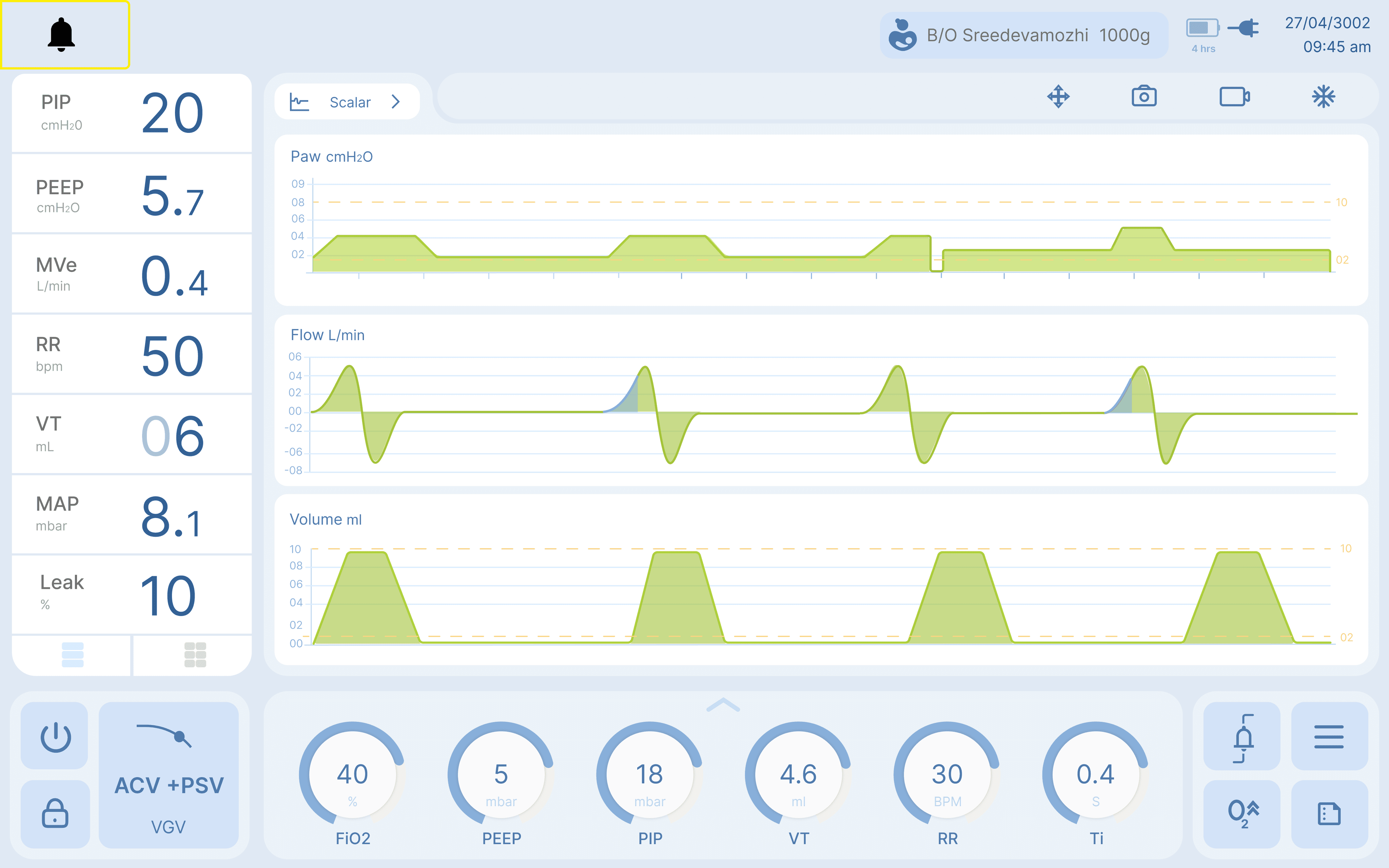
Majorly ventilator screens are for information display. It has sections
showing the values that are measured from the baby in numeric and
graph. It also shows what are the settings used for giving therapy to
the baby. This indicates the values required by the baby. Both together
gives an idea of the condition of the baby. It also has features that are
used in critical situations or settings that are changed frequently.
Project Lead
Design lead
Front end developer
Hardware engineer
10 Months
Research
Product Development
Product Research
UI Design
(Feb - Nov) 2024
Phoenix Medical Systems