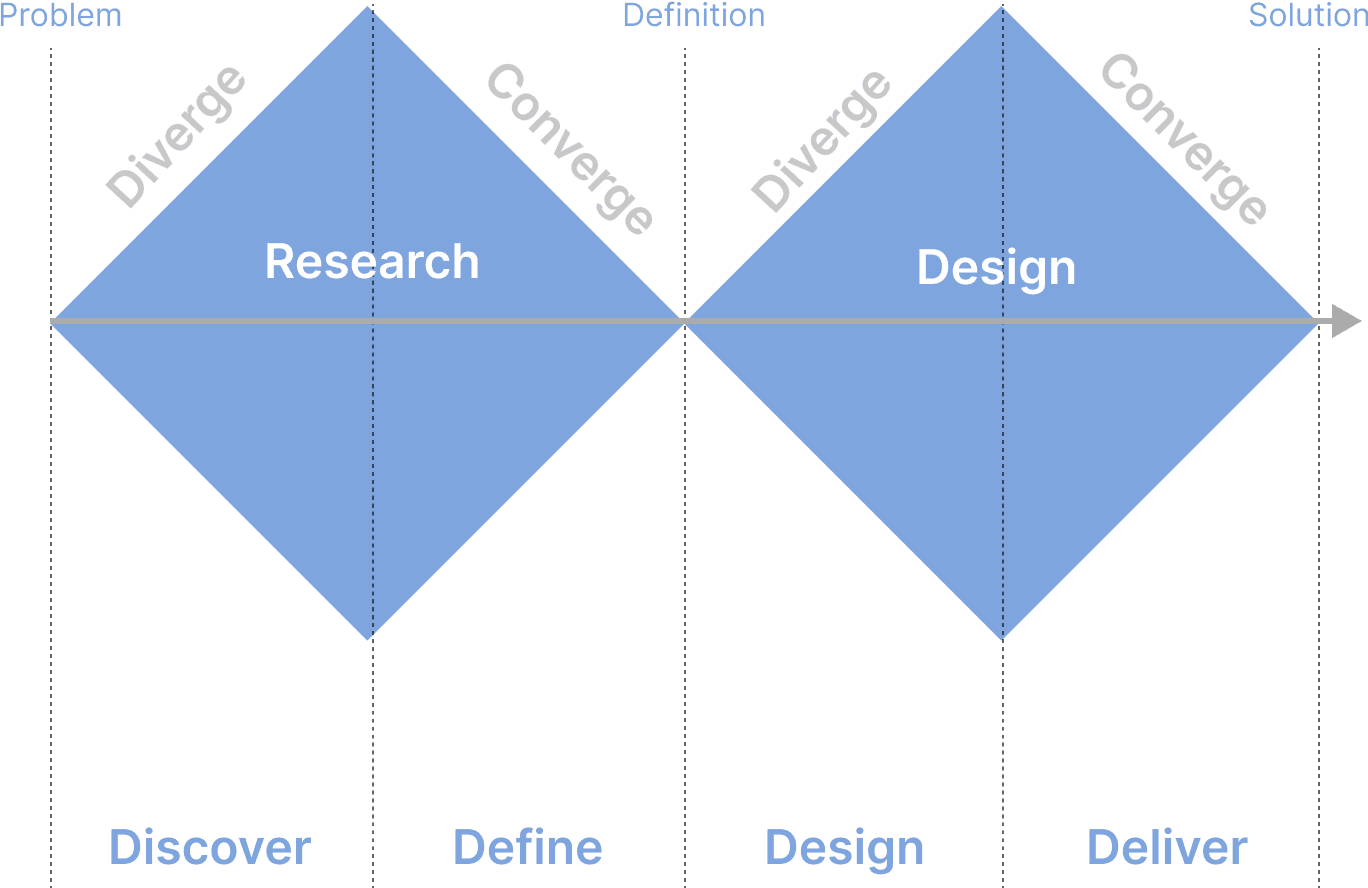
Double Diamond
Workflow of the features were made individually and then connected together. It was then marked with all possible steps it could take you through
for different situations.
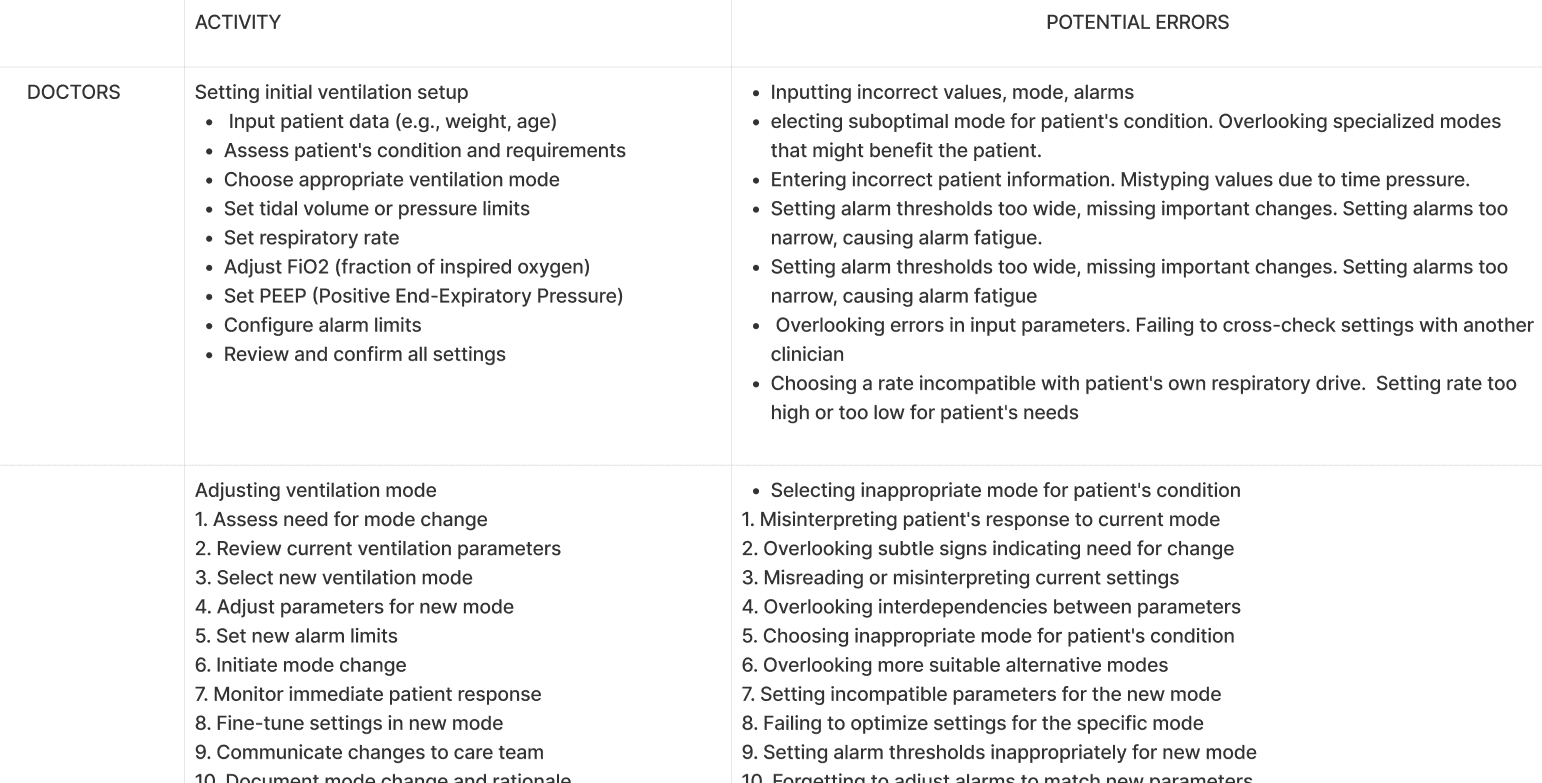
Tasks and subtasks of individual users were noted
down and potential errors and difficulties that
happens were noted.
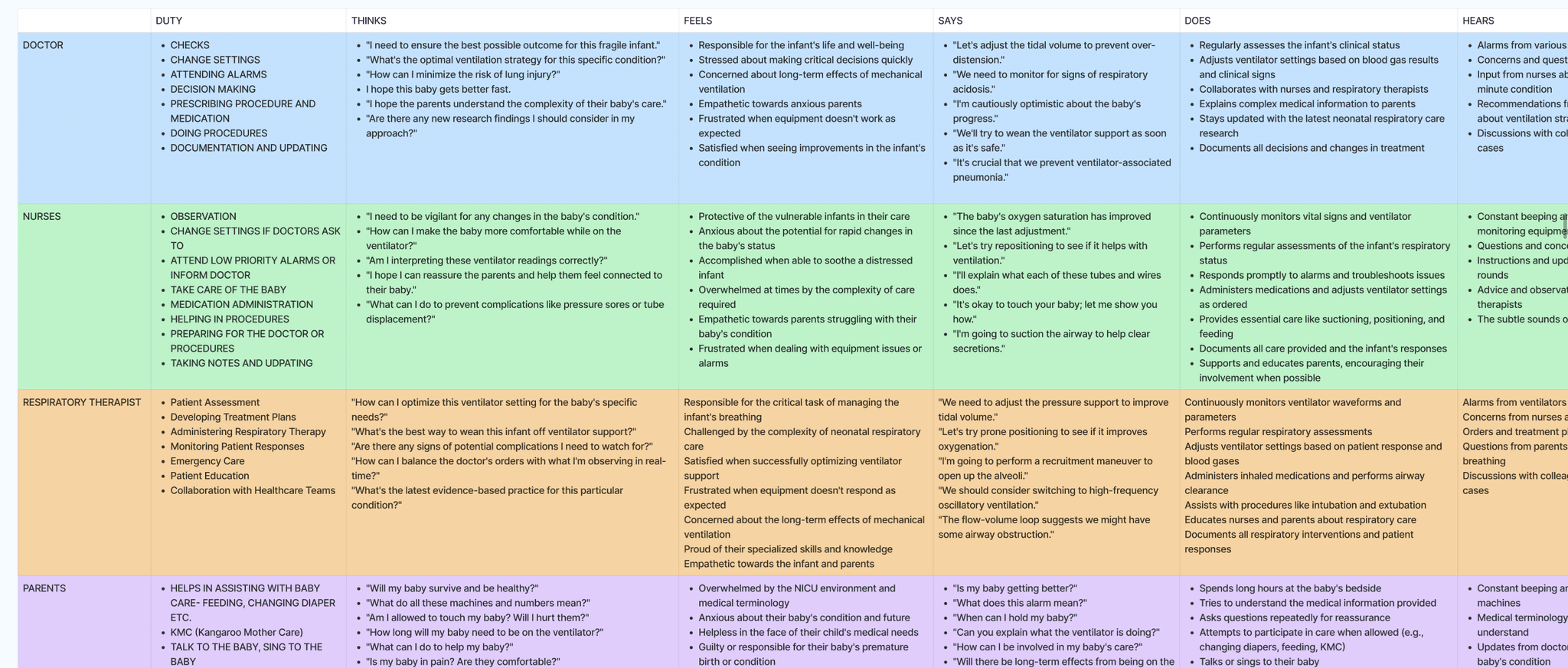
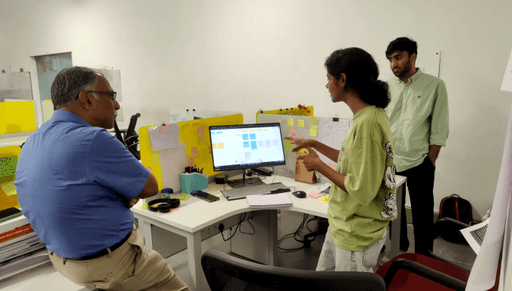
Based on talk with the user category, their interaction with ventilator and ventilator as a component in NICU is converted into an empathy map.
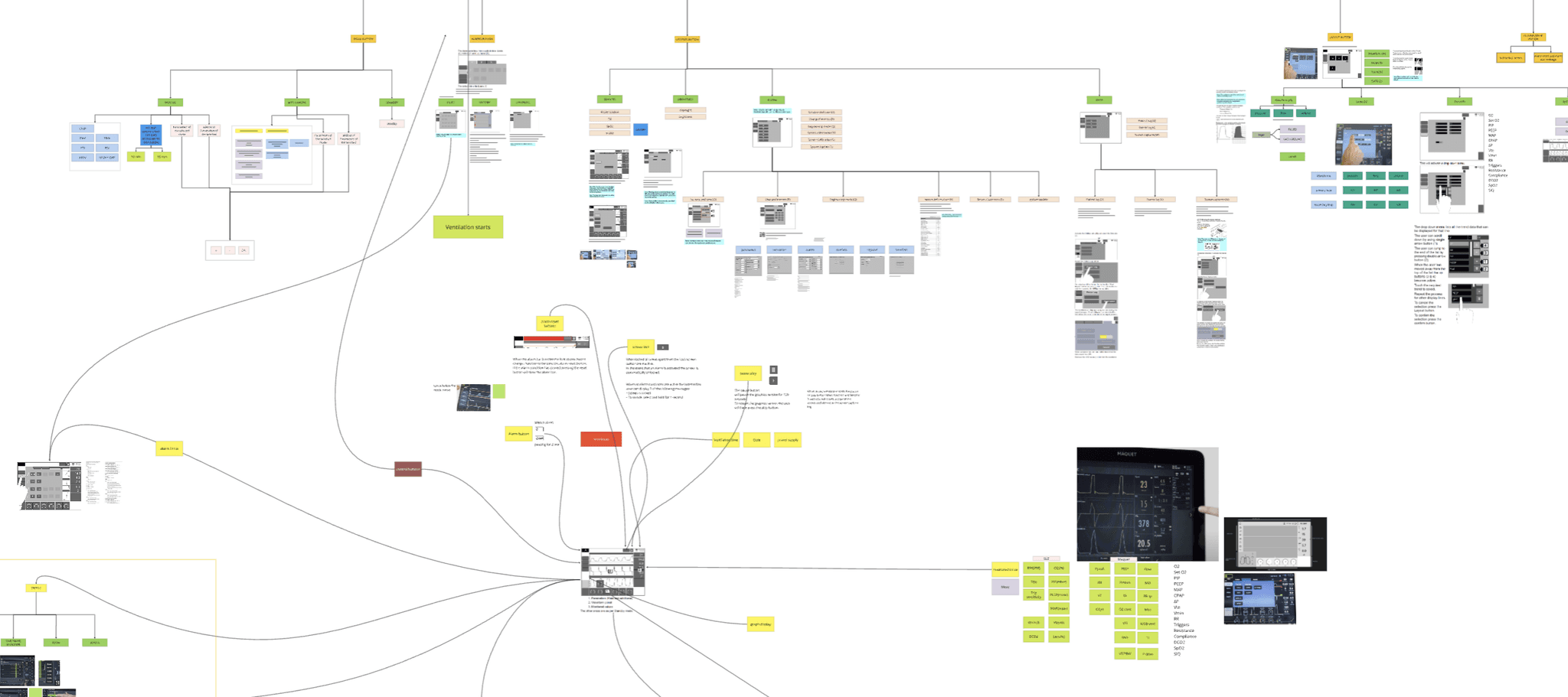
The user flow of individual ventilators were studied and made into charts .
This helped me in understanding how the ventilator works and how are the
basic user flows structured in a ventilator.
The ventilators were then compared and features were identified into basic and unique. Based on this,
the benchmarking was made for our ventilator design.
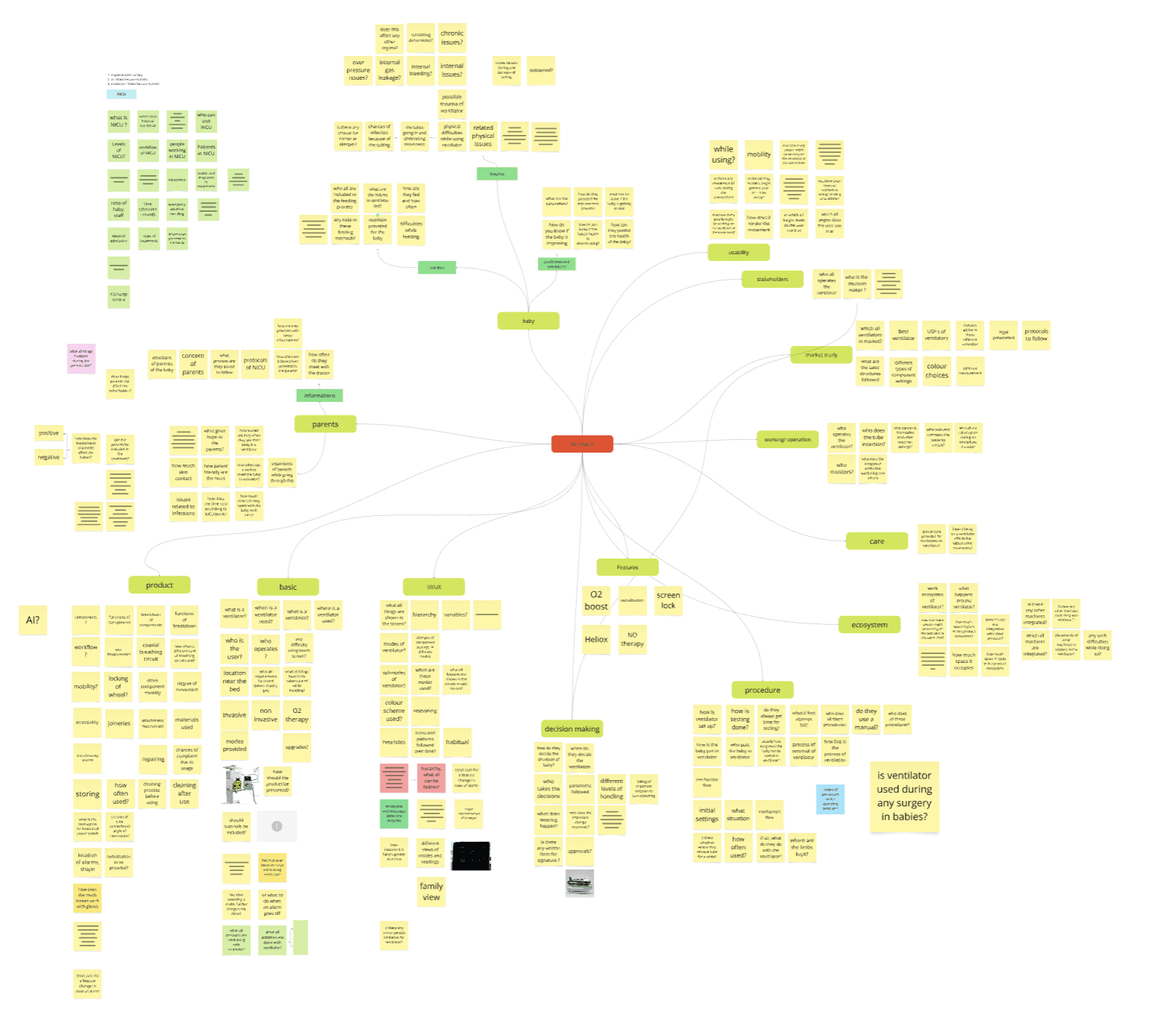
To effectively design the interface for the ventilator, we began by thoroughly understanding
the product itself. This involved breaking down the ventilator into its individual components
and analyzing how each part functions separately. We then examined how these components
work together to form a cohesive whole. This comprehensive understanding was crucial for
creating an intuitive interface, as it allowed us to design a user experience that aligns with the
product's operational logic.
Designing an intuitive neonatal ventilator interface for Phoenix Medical Systems,
informed by in-depth research into infant respiratory needs and clinician workflows,
to ensure precise, safe, and adaptable life-support for fragile newborns in critical care.
Project Lead
Design lead
Front end developer
Hardware engineer
(Feb - Nov) 2024
10 Months
Research
Product Development
Product Research
UI Design
Phoenix Medical Systems
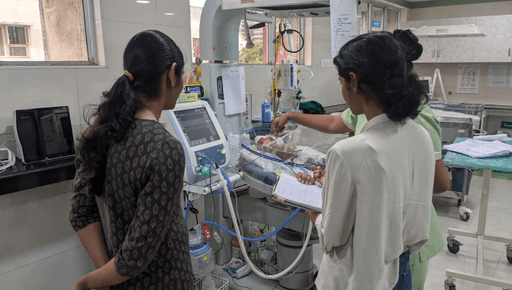
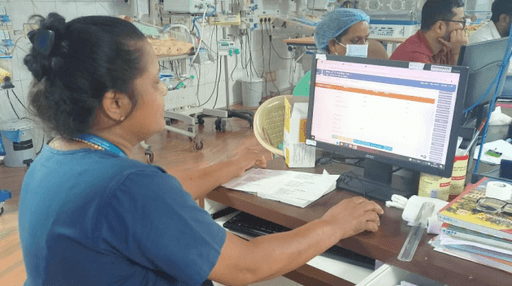
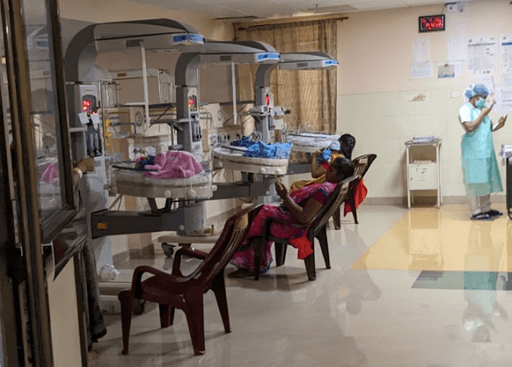


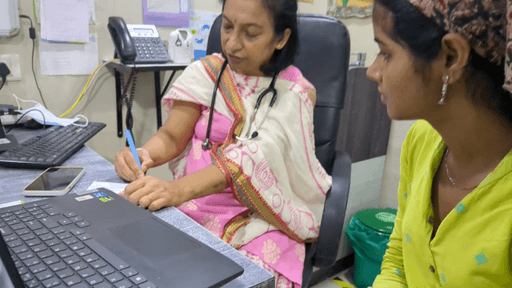
Features study
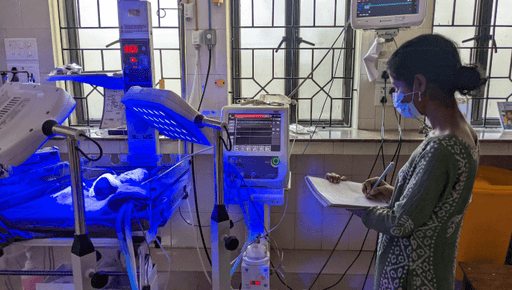
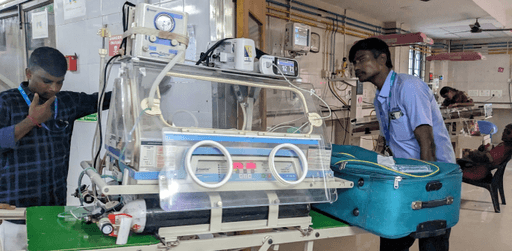
Observation &
Interviews
Understanding
User
Framing
requirements
Ideations
Understanding the features and
how it works.
Finding how the features are
actually used and what is the
environment at the time of use.
What is the situation of users while
they operate the feature
Framing down what are the changes
or opportunity areas according to
actual requirements and demands of
the user
Ideating based on connecting all the
above without consideration of feasibility
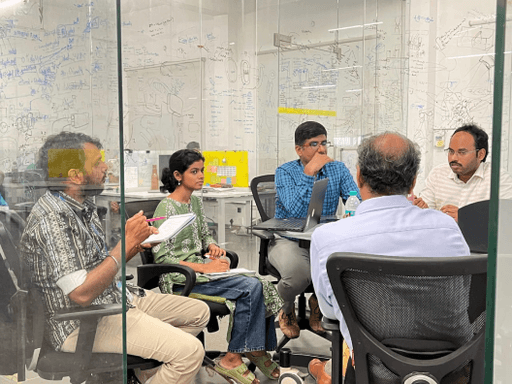
Discussions
Discussion with team to finalize on
ideation based on feasibility.
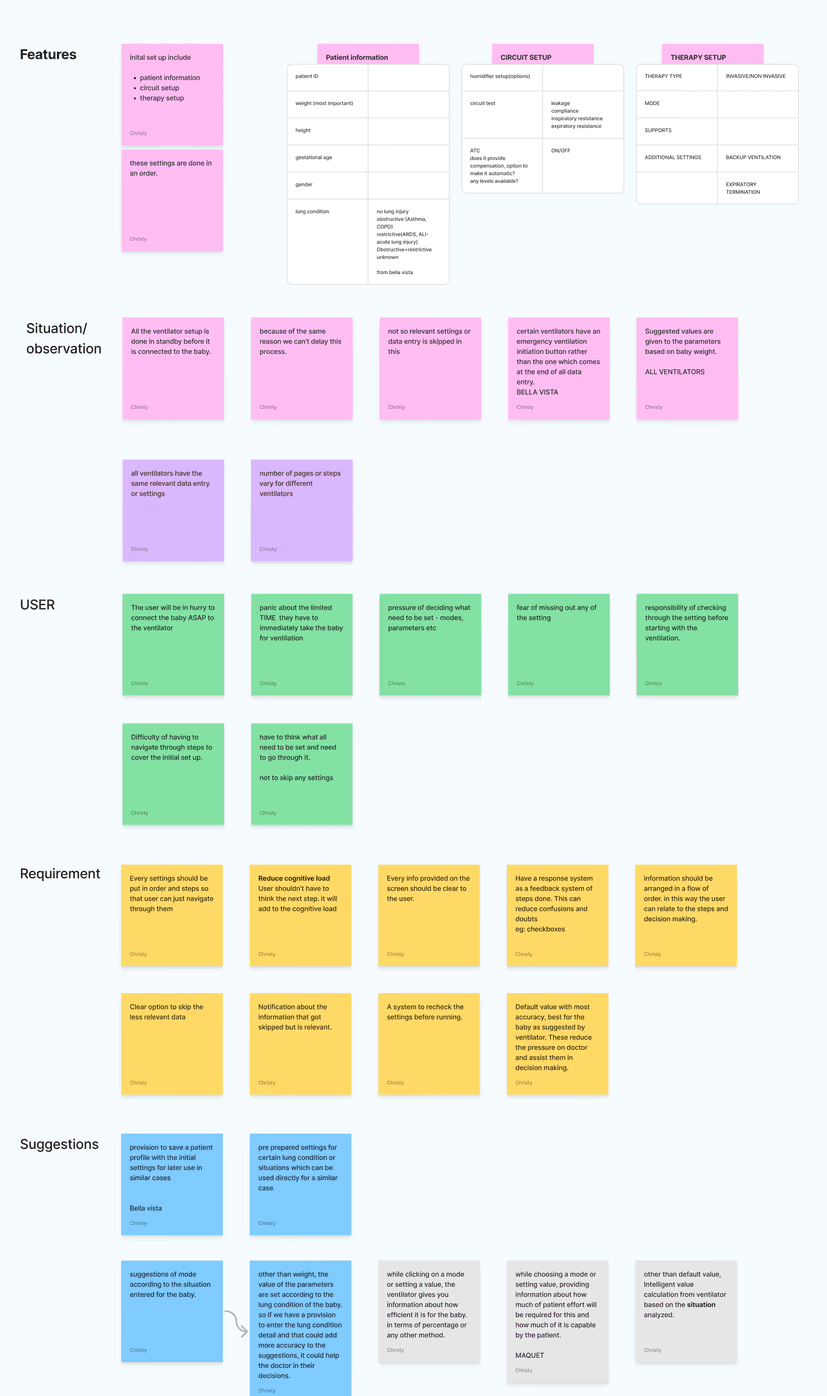
The following pattern was used to go through individual features, study about it, find out the issues in them
and primarily understanding the need according to situation to come up with ideations.
Conceptualization
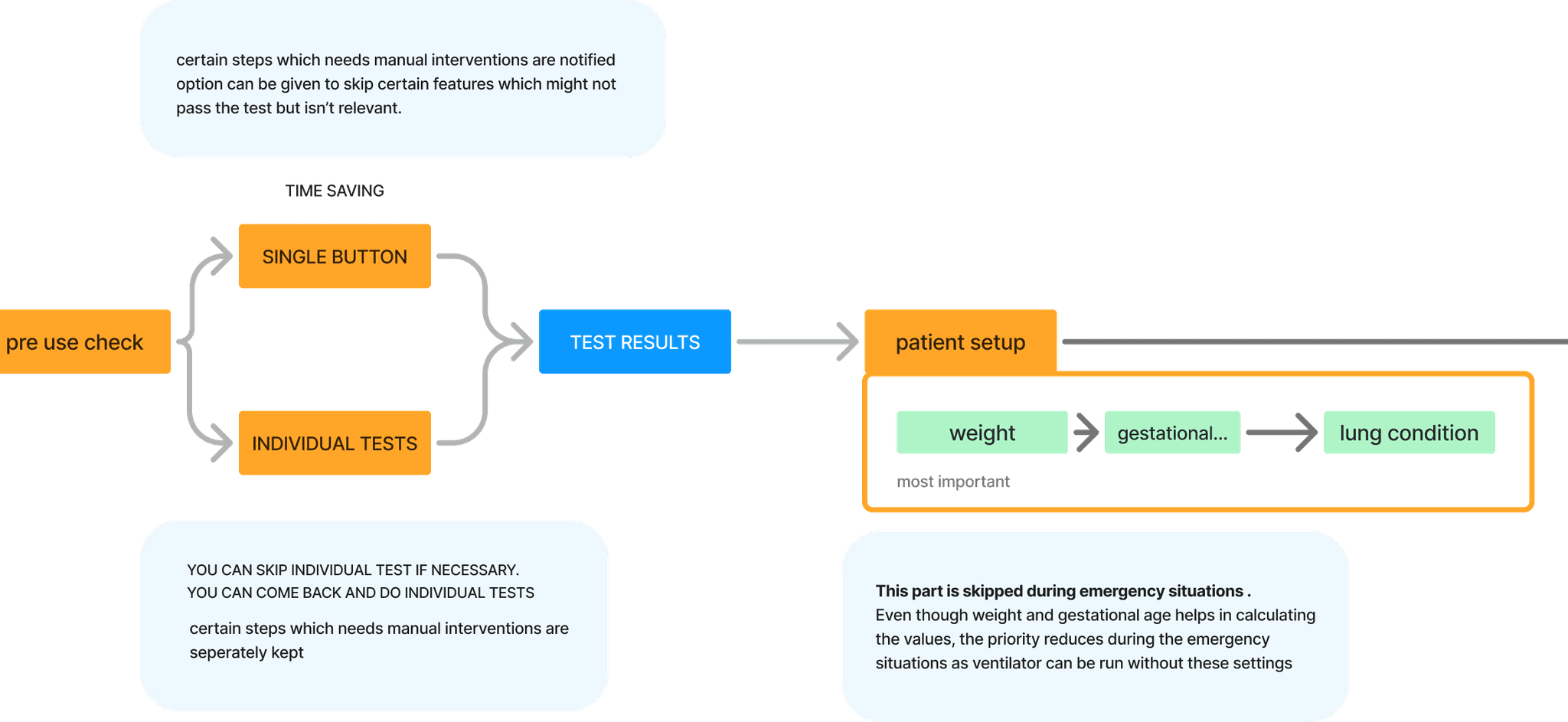
A standard user flow was made from the secondary research following regulatory and information architecture.
With primary research it was found out that this user flow was not followed necessarily. This Shift was studied
on to understand where and why it was happening.
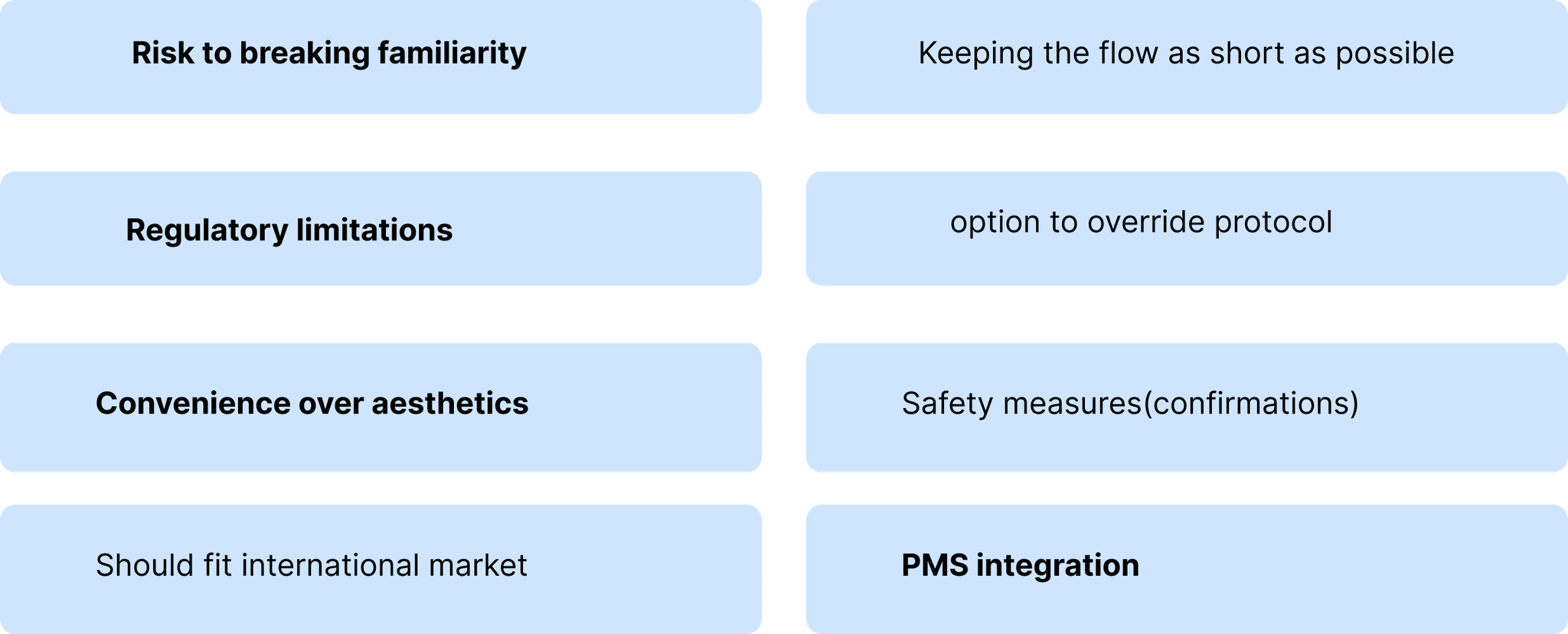
There was a part of limitation for design based on certain requirements
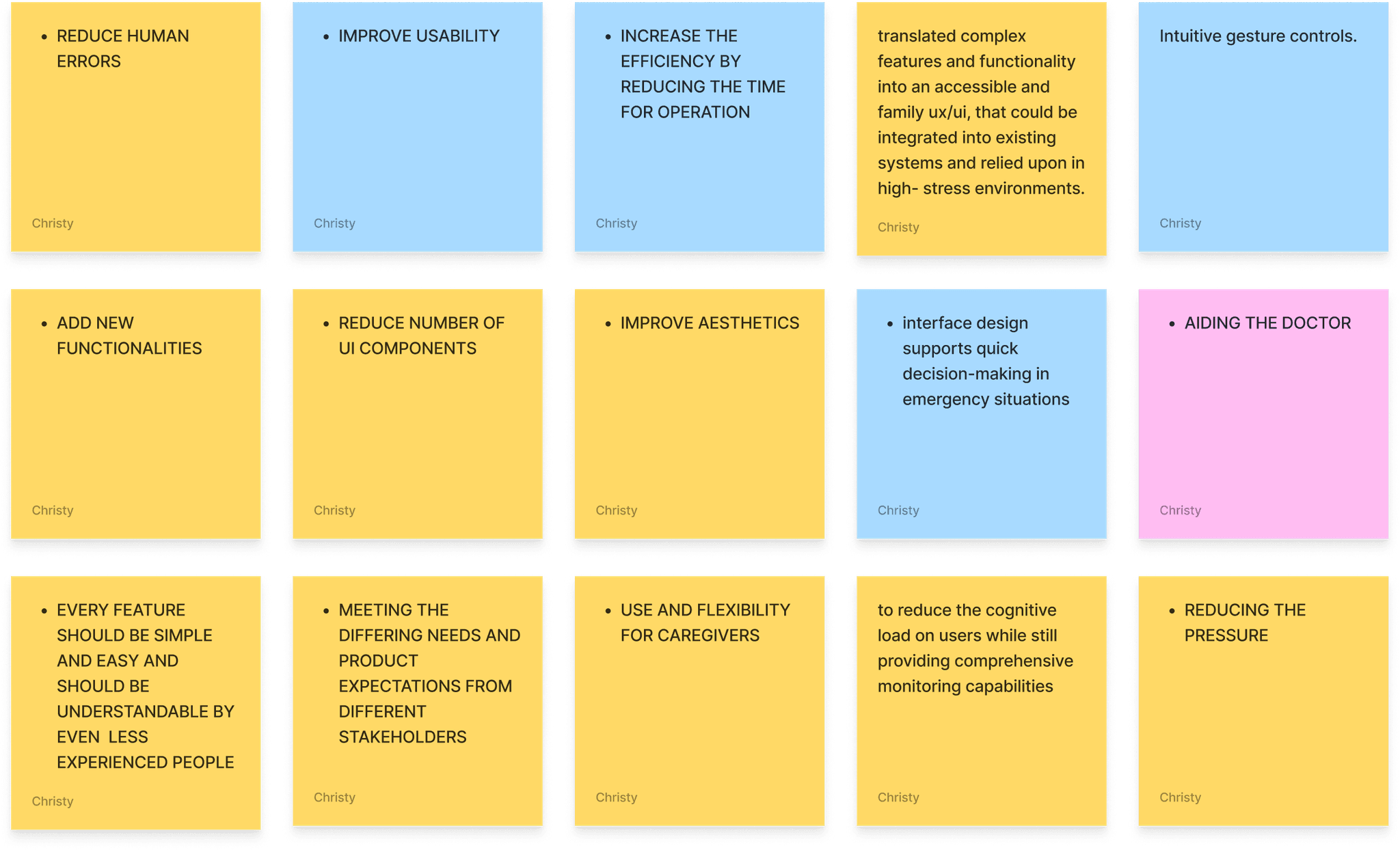
Defining purpose of design
Based on the study of above mentioned ventilators, a user flow was made. this was then cross checked with the doctors on how
these features are actually used. These were also noted down to understand the disparity between the "supposed to be used"
and the "actually used"
This made us fixate on our final lines before we start ideating
To make it efficient by reducing
the time required on UI
Everything should be intuitive, clear
and properly communicating
UI should be designed in a way to assist the
doctors indecision making
UI Problems areas
Overwhelming UI
Unclear buttons
Confusing UI flows
Cluttered & Cramped UI
Unattended alarms
Unused functions taking space
Define the objectives
The process is more extensive yet not shared due to NDA.
To get more information on the design and the process
we can have a further discussion on contact.
Due to the magnitude of the project , it has been split into two sections
To see Designs of the project.
Take me to Design
Take me to Design
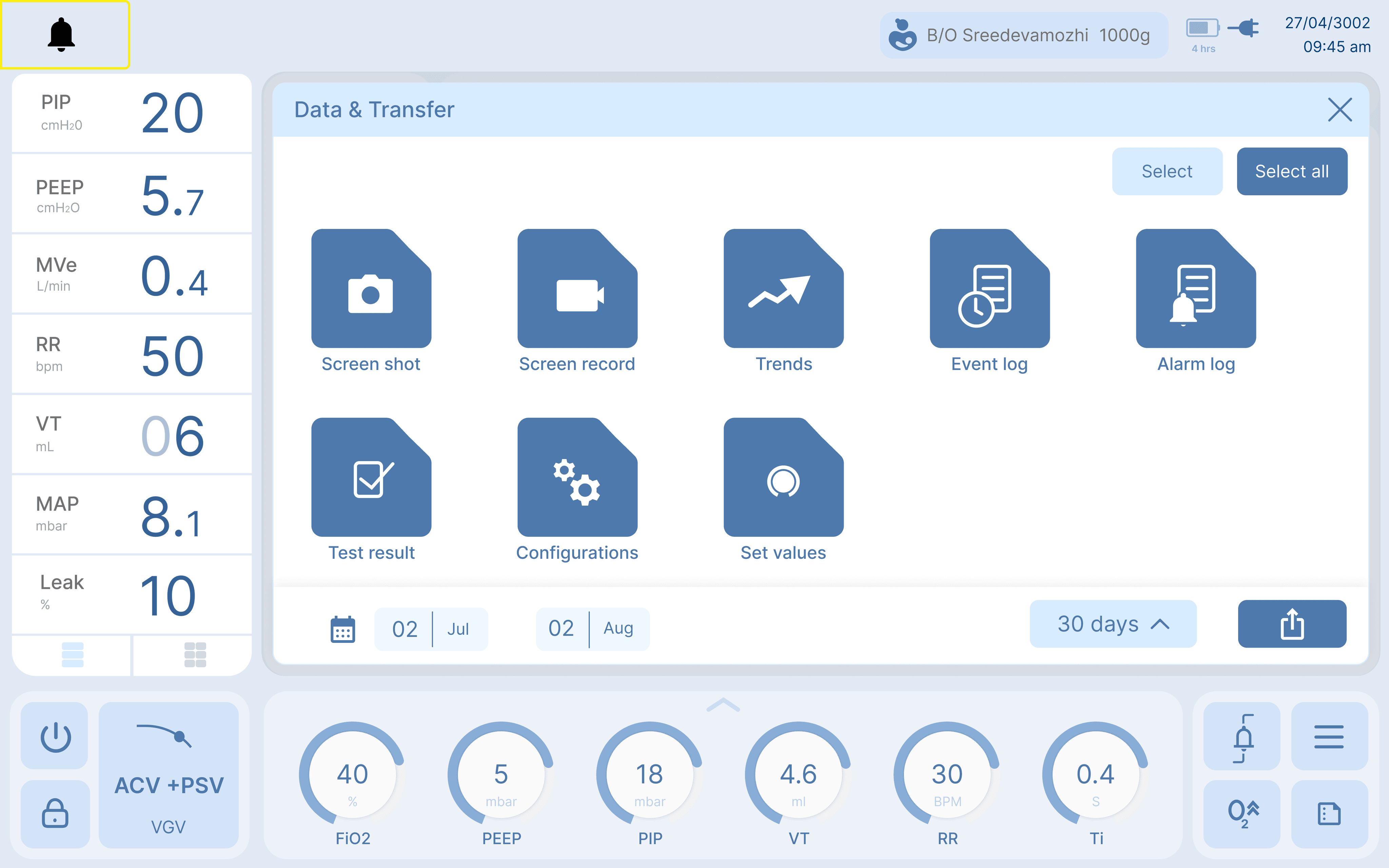
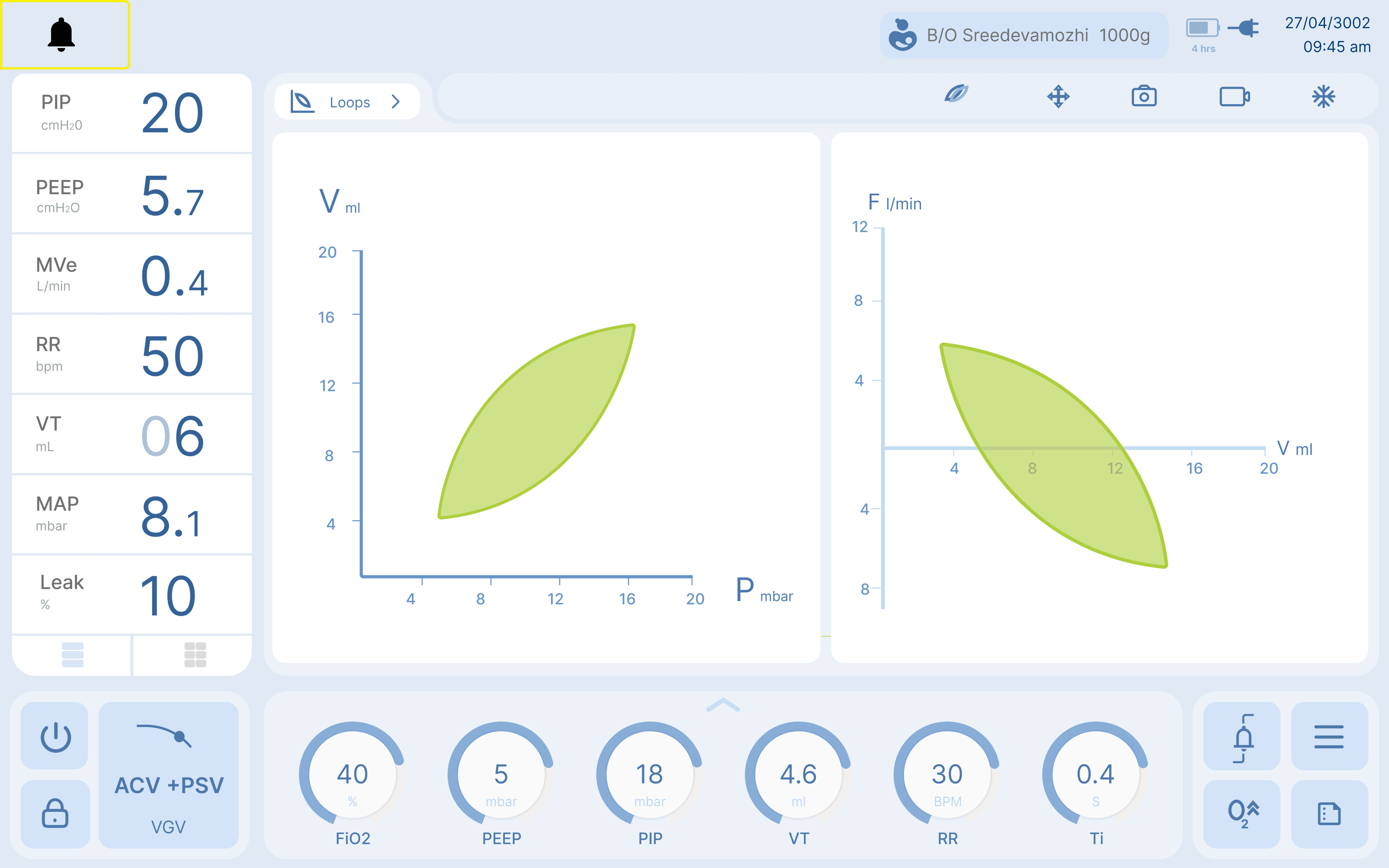
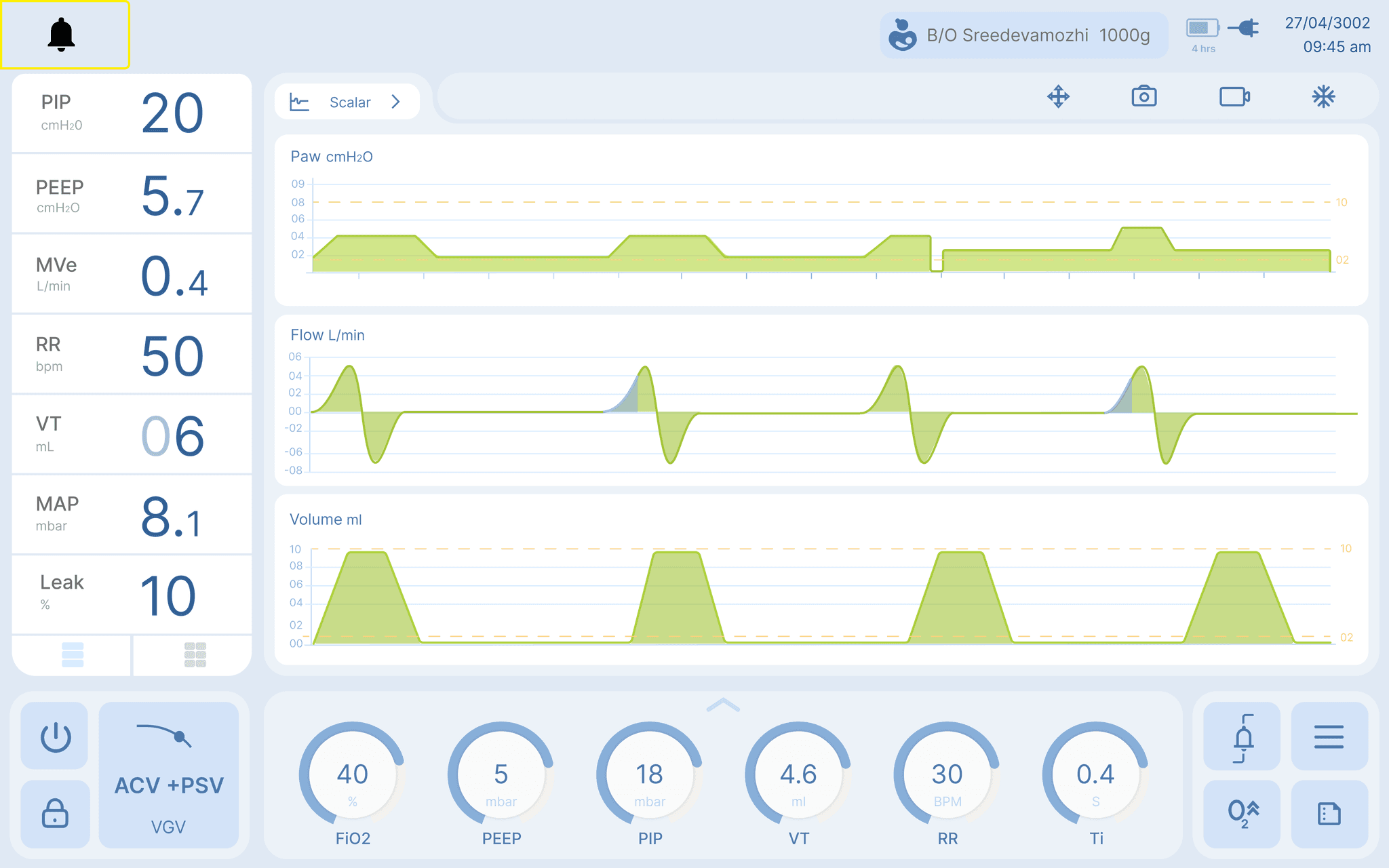
Neonatal Ventilator UX
February
March
April
May
June
July
August
Septmber
October
November
Research
Defining
Concept & Ideation
Finalizing & Development
User testing & Revamps
Timeline
Doctors
How much time do you spend on setting up the ventilator?
How do you read a ventilator screen?
What all information from ventilator and other devices help you determine the state of the baby?
On what basis do you do certain settings in the ventilator?
What all are the feature that you want to keep easily accessible?
Which is the commonly used mode, and the value used for different parameters?
What all factors decides the settings used for the baby?
Nurses
What is your interaction with a ventilator?
What all things do you keep in mind while interacting with a ventilator?
Is there any difficulty of communication with doctors when they come for rounds?
Is the ventilator screen easy for you to read/
What will you do when there is a critical situation and there are no doctors around?
What all data do you document from ventilator?
Few of the questions we asked
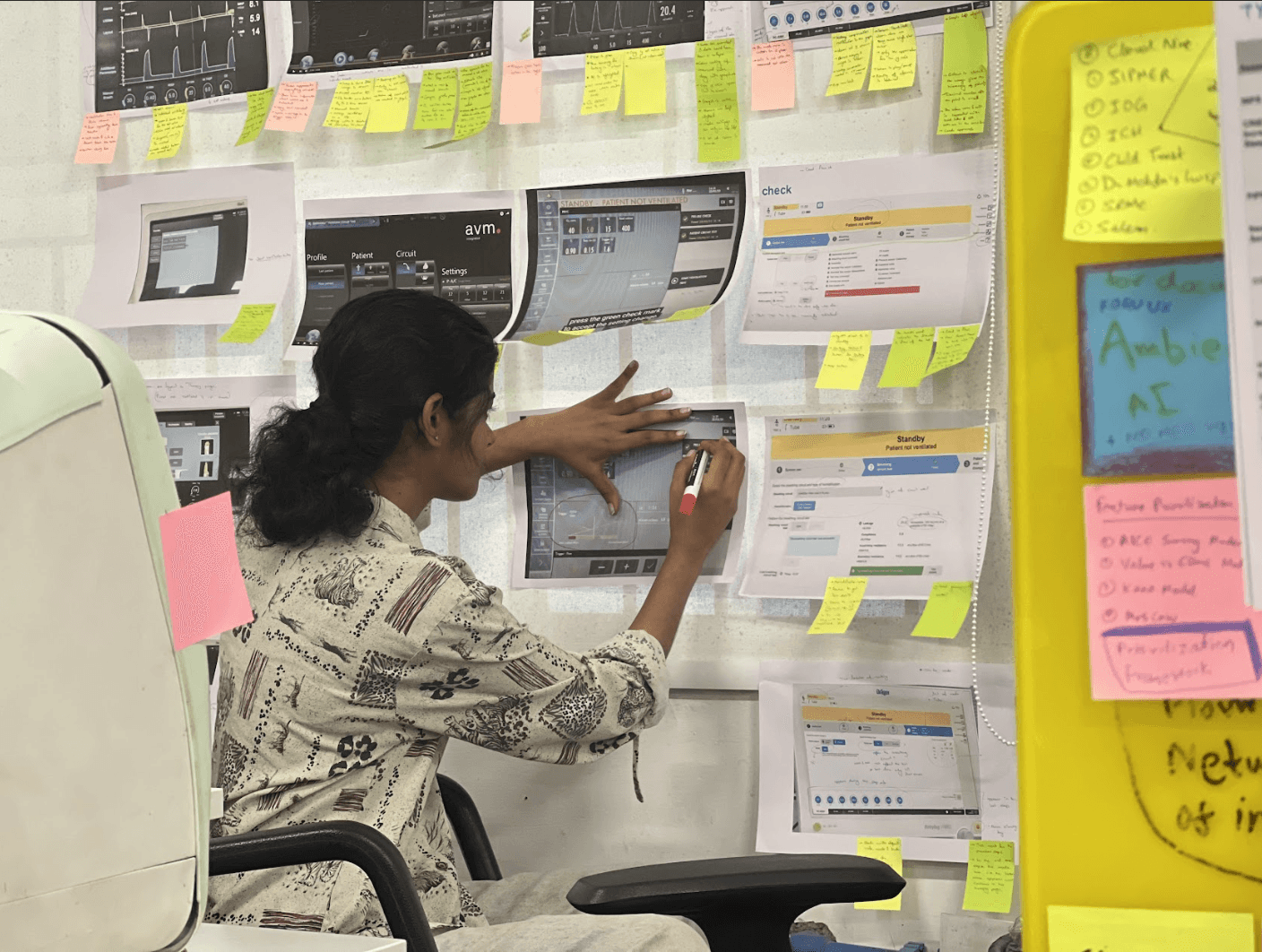
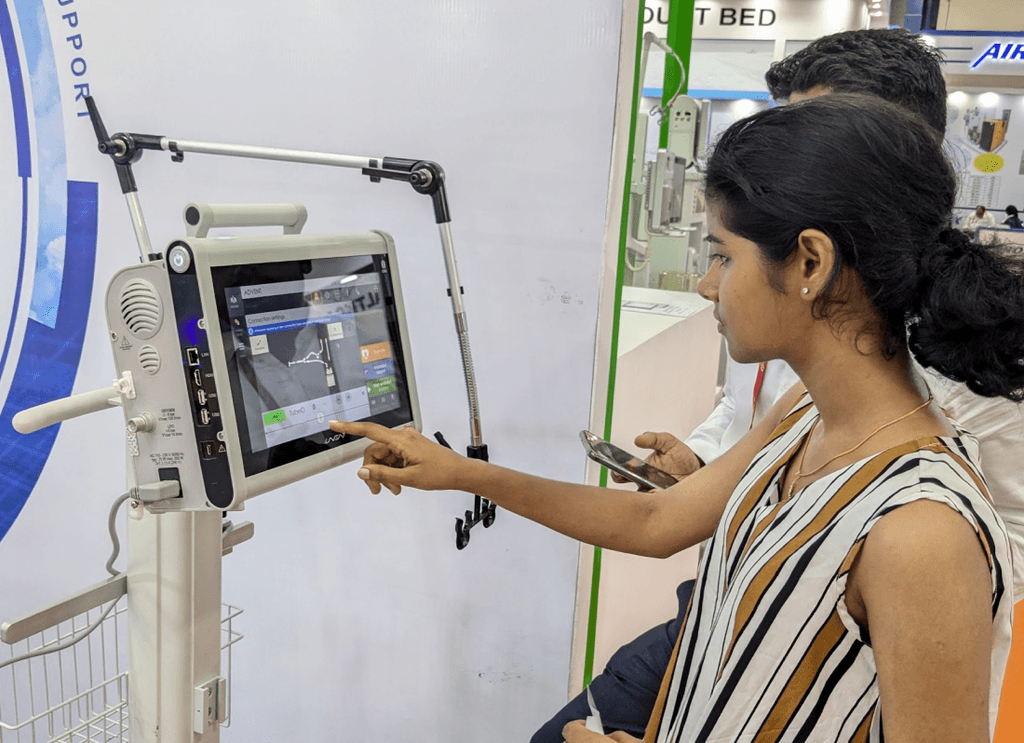
Learning ventilator started from understanding lung physiology
to being able to read a ventilator screen.
This was done by a collective study of research papers, manuals
you tube videos, medical textbooks and even real ventilators itself.
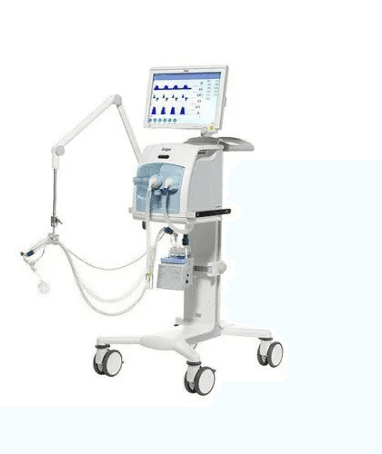
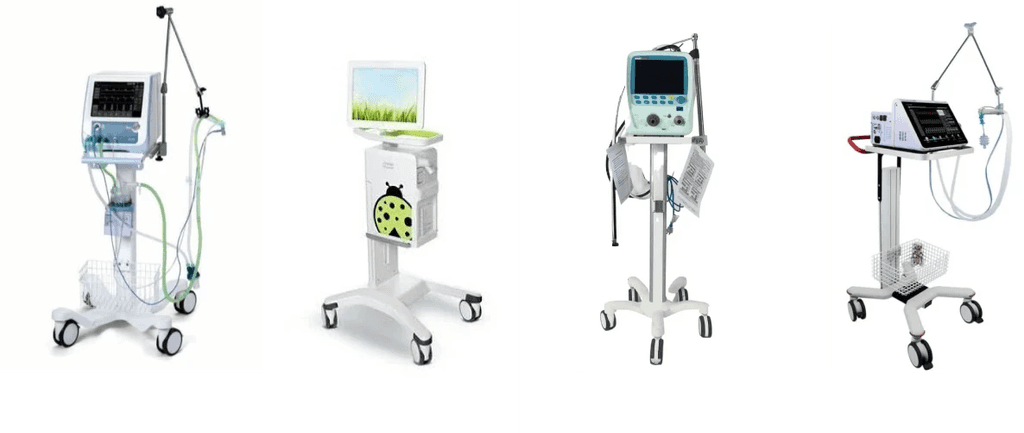
SLE 6000
GE
Maquet servo N
Getinge
Fabian HFO
Acutronics
Bellavista neo
Vyaire Medical
Competitor analysis and learning
Drager Babylog
600/800
Drager
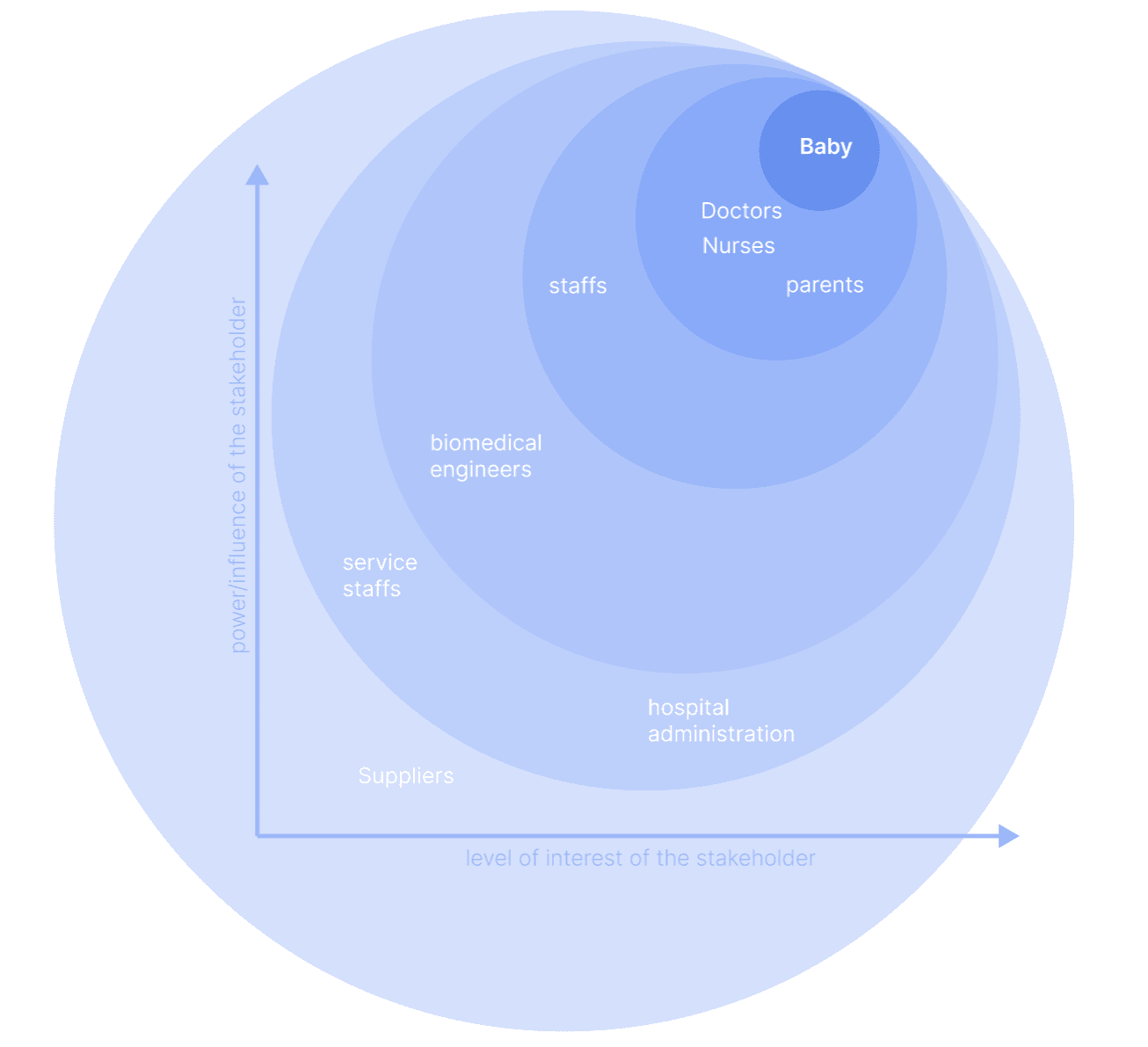
Understanding the User
Important observations
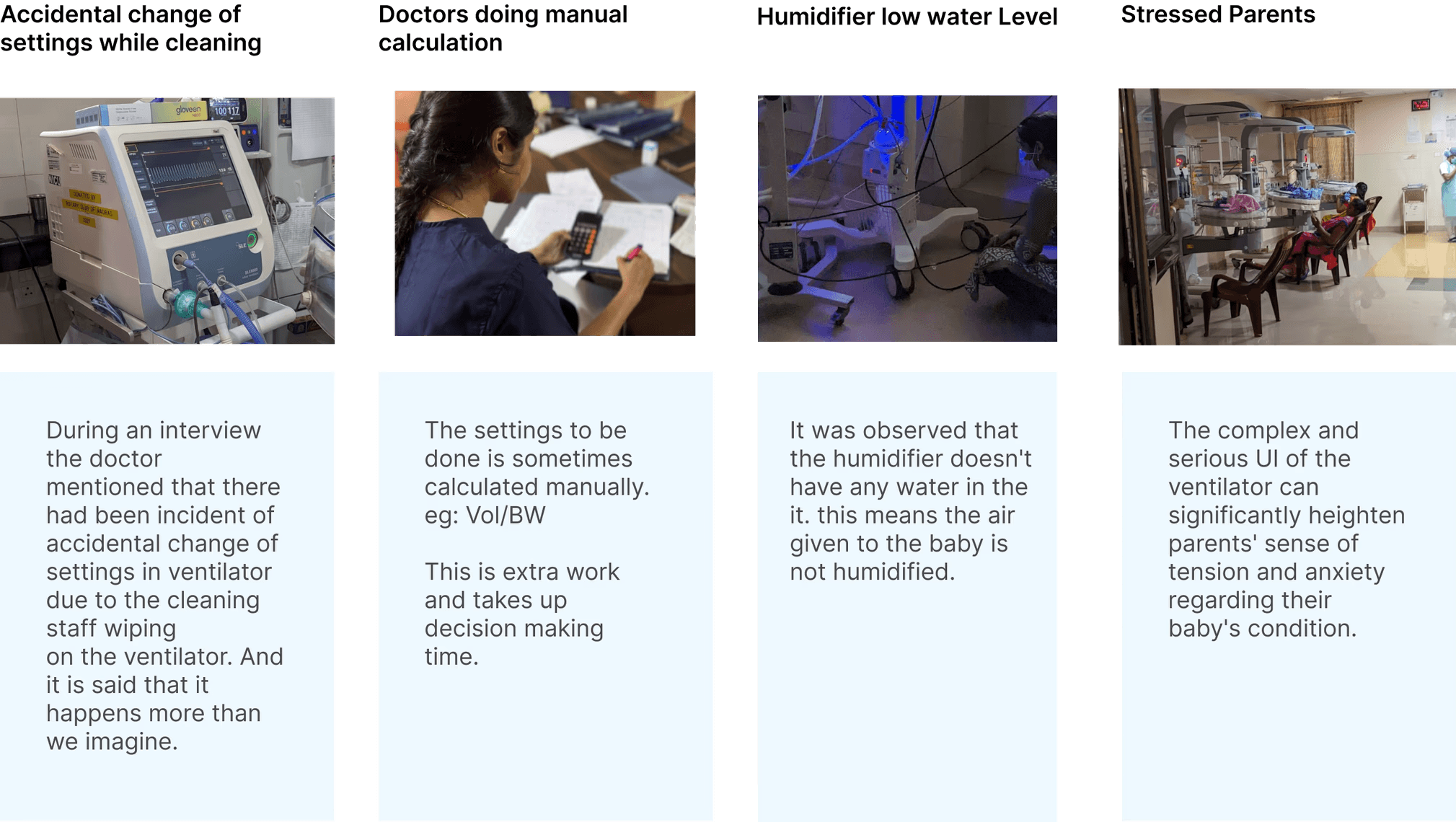
Doctors face stress and tension while working with ventilator as these settings
in ventilator has a crucial effect in saving the life of the baby
Doctors doesn't use all the features and choose to
stick to the usual settings and routines.
Baby's condition need to be understood properly which includes
data other than the ones displayed in the ventilator to
set the ventilator appropriately. these task falls on to the doctor
taking the decisions
Doctors are unaware of the features in ventilator. this leads to complexity
in doing the same process in extra steps otherwise
The blue boxes are the parts of shifts